Table of Contents
You don’t search for Decagon alternatives unless something isn’t clicking. Maybe the rollout is taking longer than expected. Maybe the price feels heavy for what you’re using. Or maybe you just want an AI support tool you can shape without weeks of back and forth.
Decagon is strong at handling complex, enterprise-grade support. But that also means it’s not always the right fit for lean teams, fast-moving products, or setups that need flexibility more than depth.
We’ve put together a list of the best alternatives and compared them across features, pricing, and user reviews. For each tool, we’ve called out what it does well and where it falls short, based on actual customer experiences.
One thing worth keeping in mind: there’s no single “best” option here. The right choice depends on how your team works today and what you’re trying to improve or prioritize.
What Are The Best Alternatives to Decagon AI?
Here's a table for a quick sneak peek:
Ayudo
Voice + chat AI with multi-agent workflows
Multi-agent, Omnichannel
Usage-based (custom)
Zendesk
Large-scale ticket-based support
Ticketing, Automation
From $19/agent/month
Freshdesk
Unified helpdesk with built-in AI
Ticketing, Freddy AI
From $19/agent/month
Ada
AI-first resolution without scripting
AI resolution, Playbooks
Custom pricing
Sierra
Enterprise-grade empathetic AI agents
Empathetic AI, Governance
Custom pricing
Fin by Intercom
AI resolution inside Intercom
Accuracy, AI engine
$0.99 per resolution
Gorgias
Ecommerce support teams
Ecommerce context, Automation
From $10/month
Kore.ai
Custom enterprise AI bots
Custom bots, Automation
Custom pricing
Yellow.ai
Multilingual AI support at scale
Multilingual, Omnichannel
Custom pricing
Voiceflow
Designing AI voice & chat flows
Visual builder, Prototyping
From $60/month
10 Best Decagon Alternatives: A Detailed Breakdown
Each tool was picked based on:
- How well it handles real customer support workflows
- Ease of setup, daily use, and overall flexibility
- Pricing clarity and value for the cost
- Feedback from real customers using the tool in production
Off with the first one in the lot!
1. Ayudo - Agentic AI Platform
Best for multi-agent AI support across voice and chat
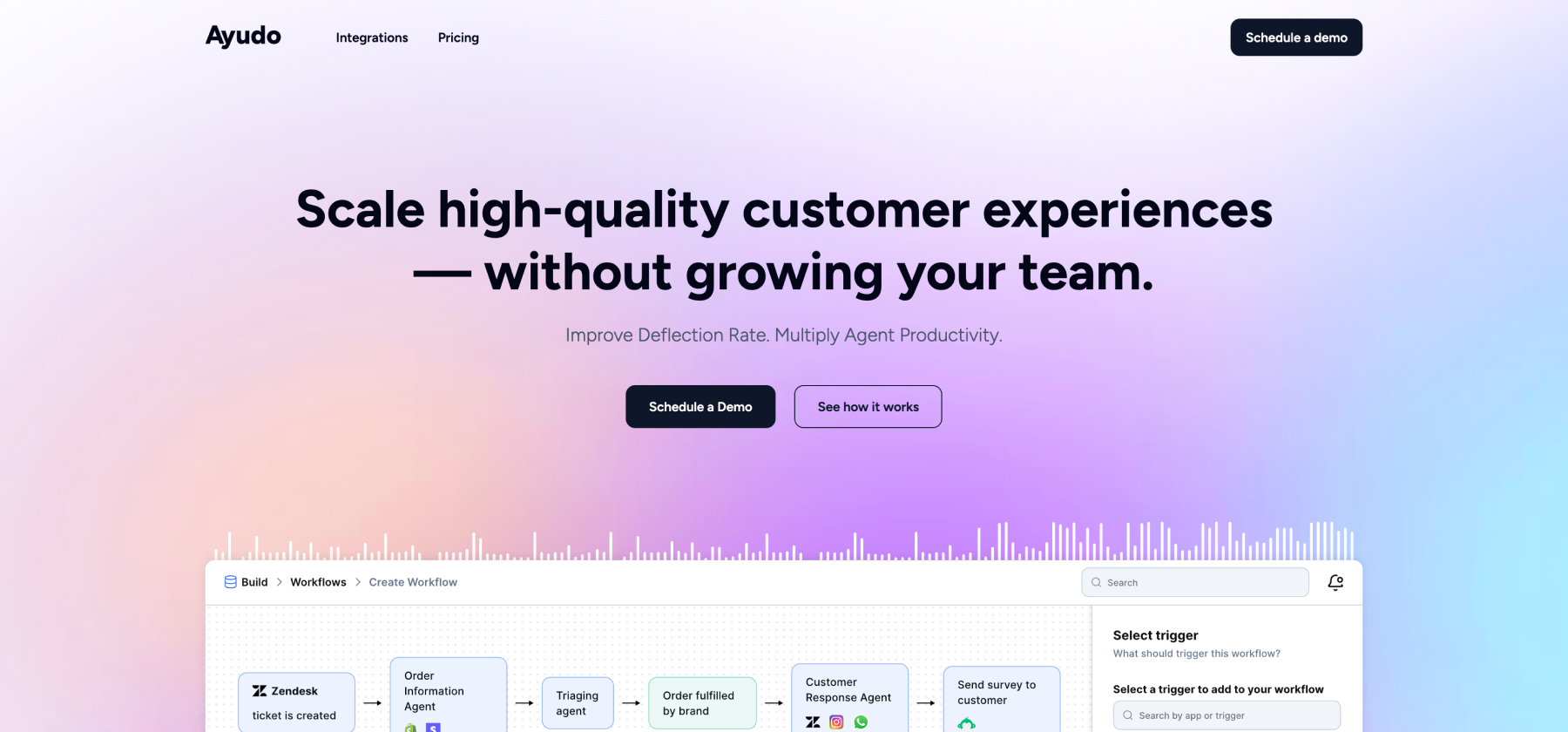
Ayudo uses a multi-agent AI system to handle conversations across text and voice from almost any channel, including email, phone, Slack, Discord, WhatsApp, or WeChat.
Its core feature is the Proactive Copilot, an AI assistant that sits on top of every support conversation. Agents can talk to the Copilot to get things done, from proactive suggestions and recommended replies to updating customer status or Shopify orders.
Key Features
- Multi-agent collaboration: Multiple AI agents work together across the platform to handle complex workflows, route conversations, and execute actions automatically. This lets you create business logic across different scenarios without manual intervention.
- Proactive Copilot: An AI assistant sits on top of every support conversation, suggesting replies, checking sentiment, finding similar chats, and executing actions.
- Omnichannel support: It handles both text and voice across nearly any channel, including email, phone, Slack, Discord, WhatsApp, and WeChat. Agents get a proper inbox to respond and not just view conversations.
- Dynamic knowledge and customer objects: The tool pulls data from PDFs, URLs, CRMs, and internal systems to feed AI agents. Admins can create custom objects and define schemas for real-time syncing across the platform.
- Visual workflow builder: You get a drag-and-drop interface to connect triggers, actions, and conditional AI agents. Supports 10,000+ triggers and actions across 2,500+ apps, making complex workflows easy to set up without coding.
Pros
- Very deep integrations with existing helpdesk systems, including Freshdesk, Intercom, and Zendesk.
Cons
- Some users may find that setting up advanced automation requires time to learn.
Pricing
- You can contact the team for a detailed quote. Pricing is usage-based.
Want to know how it actually works? Take Ayudo for a quick run and see how it clicks!
2. Zendesk
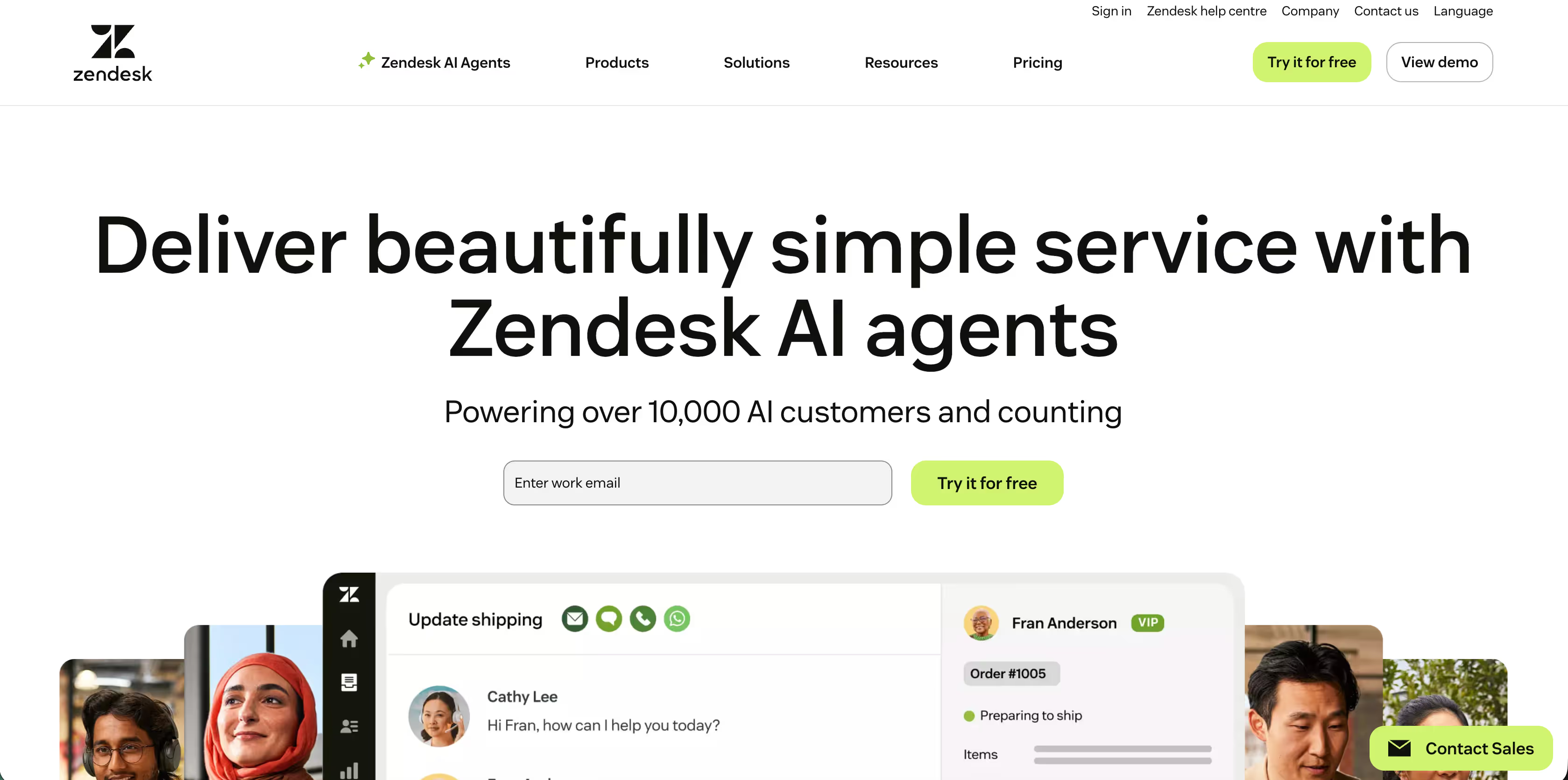
Zendesk was founded in 2007 by three friends who wanted to create simple, usable, and accessible software for customer support while making the customer experience a little bit less painful and frictionless. Conversations from every channel live in one place, AI suggests what to do next, and workflows can be built to match how your team actually works.
Key Features
- AI Agents: The AI agents can be built with just 3 clicks and no extra scripting or training, and they help you automate 80% of your interactions.
- Copilot: It suggests replies, prioritizes tickets, and flags issues in real time to help agents work faster. It is an additional add-on to the Zendesk Suite Plan, though.
- Voice and Messaging: The chat widgets for live chats can be customized to match your brand voice and tone. You can also extend the workflow to messaging channels like Facebook and WhatsApp.
- Built-in Quality Assurance: The prebuilt QA dashboard spots and tracks customer trends and challenges. The AI agents will closely monitor all your interactions.
Pros
- A strong ticketing system that scales from small teams to enterprise operations
- Users often praise the Zendesk suite for quicker response times and better analytics
Cons
- High pricing is a common concern for most customers. Though the tool has advanced features, a user on G2 shared that they “require IT resources for configuration and customization according to the company's which also needs Budgets and extract costs.This could be a barrier to start-up companies that have small capital…”
Pricing
- Basic Plan: $19/agent/month for basic email and ticketing support
- Suite plans with AI included start from about $55/agent/month
3. Freshdesk
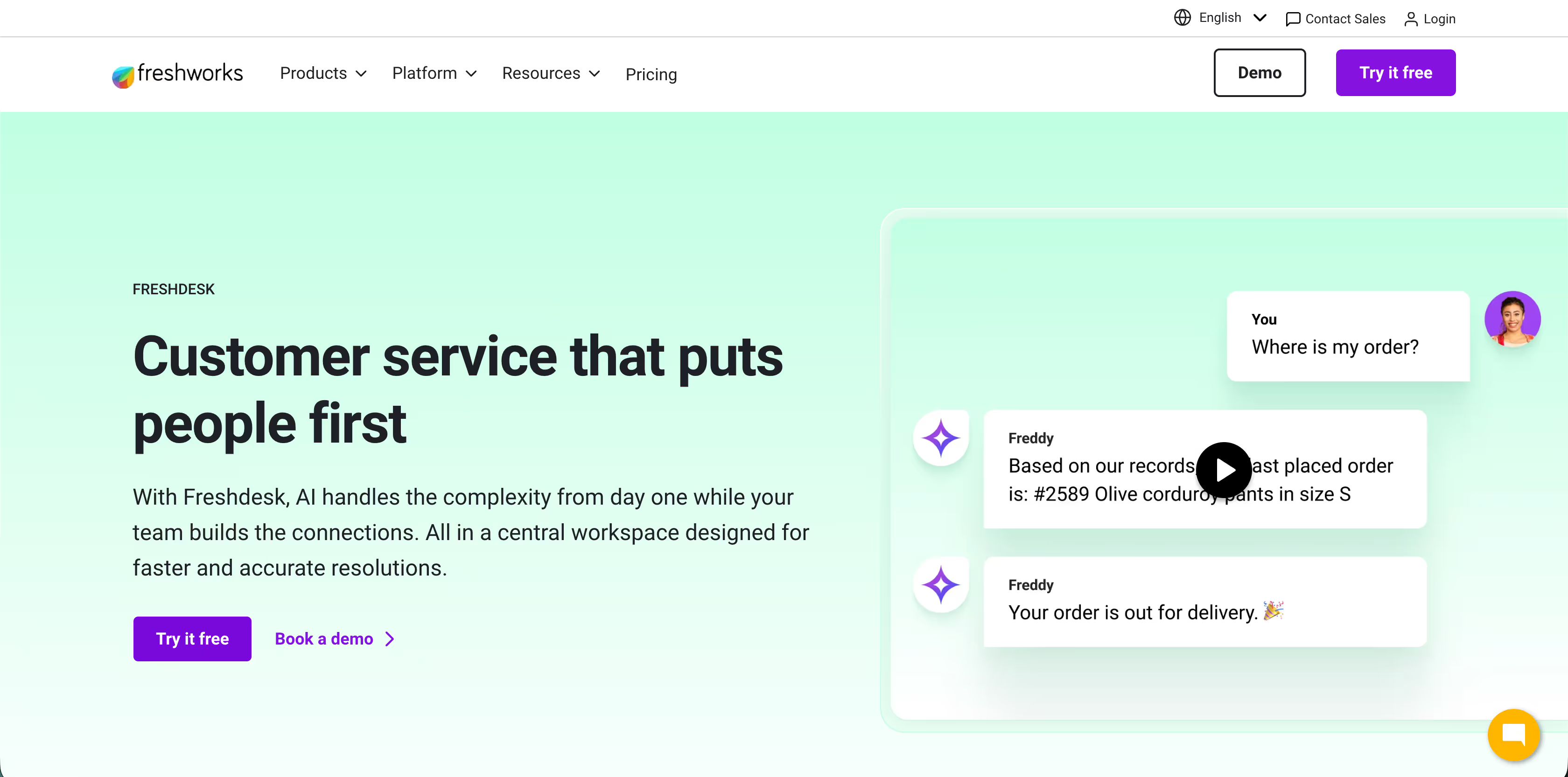
Freshdesk is a helpdesk and support platform developed by Freshworks that brings all customer conversations into one workspace. Its built-in AI called Freddy is designed to resolve common queries, automate repetitive work, and help agents spot trends in support metrics.
Key Services
- Freddy AI: This AI agent works with you like a team member to update records, process refunds, change subscription plans, and handle everyday tasks. It can be an agent or a copilot, and it provides instant insights.
- Self-service and Knowledge Base: You can create help articles, branded portals, and dashboards so customers find answers on their own.
- AI-powered Ticketing: This allows you to link all tickets related to a recurring issue into a single master ticket, which is managed by one main agent, and lets you collaborate with your team to resolve issues.
Pros
- The automated workflow speeds up issue resolution by using simple rules like "If X happens, then do Y" and allows you to choose multiple options to start actions.
Cons
- Similar to Zendesk, users report limited value from the lower-tiered plans. There are also some suggestions about improving the quality of reporting and analytics.
Pricing
- You can try the platform for free.
- The Growth plan starts at $19/agent/month billed annually. Freddy AI is not included in this plan.
- The Pro Plan will cost you $55/agent/month.
4. Ada
Ada is an AI customer service platform built as a way to give teams a smarter alternative to rule-based chatbots by using real AI agents that can reason and resolve issues. It works in 50+ languages and connects with key business systems so support feels personal no matter where it comes from.
Key Features
- Playbooks for complex logic: You can train the AI to follow your steps and handle multi-step inquiries with plain-language rules.
- Real-time performance metrics: The dashboards show where the AI succeeds and where it needs improvements so you can coach it.
- Multichannel AI agents: AI agents can resolve conversations from chat, email, and voice on all major messaging or support channels.
Pros
- Users unanimously praise their customer support team. One satisfied customer took to G2 to say, “What I like most about Ada is how much we’ve accomplished together through our partnership…and the collaboration with their team has been excellent.”
Cons
- Some users face long setup times if they require detailed logic. The setup process for workflows sometimes requires a bit more manual work.
Pricing
- You can reach out to the team for a quote.
5. Sierra

Sierra, launched in 2023 by Bret Taylor and Clay Bavor, has quickly become a go-to for companies that need help at scale. Instead of simple scripts, Sierra’s agents can understand context, take action like looking up orders or updating CRM records, and keep conversations natural and empathetic.
Key Features
- Human-like AI agents: The agents are built to hold natural conversations and reflect your brand’s tone while solving real customer issues.
- No-code and developer tools: Agent Studio lets support teams build agents without coding, while advanced SDK tools let engineers customize behavior deeply.
- Built-in governance and trust: You get built-in security, compliance features, and data controls so your AI agents work reliably within your business rules.
Pros
- Multilingual responses, anytime and anywhere. The agent can easily take over any conversation.
Cons
- Review feedback suggests it can be expensive compared with simpler tools.
Pricing
- You can reach out to the team for a quote.
6. Fin by Intercom
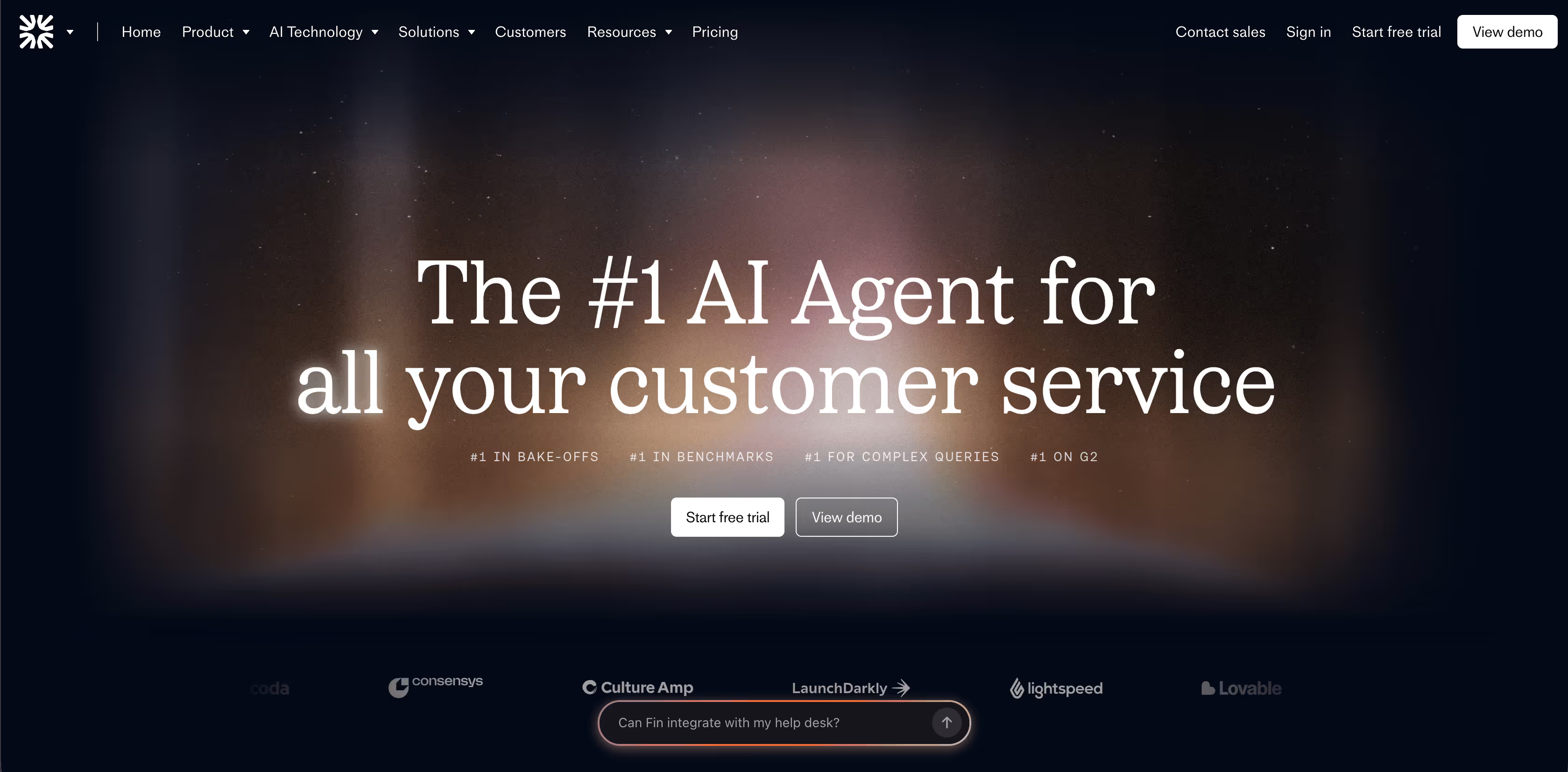
Fin is Intercom’s AI customer service agent powered by a custom Fin AI Engine. It was designed to resolve even complex questions by learning from your knowledge base, policies, and systems. The platform works with your existing helpdesk or as part of the Intercom suite.
Key Features
- Fin AI Engine: It runs on the AI architecture built for accuracy and reliability in customer service and handles complex queries through an improvement loop called the Fin Flywheel.
- Train, Test, Deploy, Analyze Workflow: You can teach Fin with your content and policies, test its behavior, deploy it widely, and then monitor performance to refine it.
- Run Simulations: You can run fully simulated customer conversations to test how it responds.
Pros
- It can be trained on your policies, knowledge, and procedures to make answers accurate and on-brand. Here’s what a customer shared on G2: “It saves me a ton of time going through docs or tagging other people for answers.”
Cons
- That being said, there have been some reports of inaccuracies, missed context, and oddly worded responses.
Pricing
- If you’re connecting your existing helpdesk to Fin, it’s $0.99 per resolution (minimum commitments apply.)
- With Intercom’s helpdesk, it will be $0.99/Resolution + $29/helpdesk seat/month
7. Gorgias

Gorgias is a helpdesk built with e-commerce in mind. It started by focusing on Shopify stores, but today it also supports platforms like Magento and BigCommerce. What sets it apart is how it connects directly to your store data, so support agents don’t have to guess what’s in an order or customer history. When a ticket comes in, the agent can instantly see order details, shipping status, customer value, and more.
Key Features
- Conversational AI: With brand-aligned conversations, the AI agent helps you resolve support inquiries and offer tailored recommendations.
- Shopify and e-commerce platform integration: It pulls live order and customer details from the e-commerce platforms directly into support tickets.
- AI Agents: The Shopping Assistant and Support Agent learn your brand, your customers, and your workflows like a top-performing team member.
Pros
- Messages don’t get fragmented. Each conversation thread stays intact and lands with the right agent.
Cons
- A customer pointed out that reporting is limited to the last 90 days and felt more detailed, long-term reports would be useful.
Pricing
- The starter plan will cost you $10 for 50 tickets/month
- The basic plan is $104 for 300 tickets/month when billed annually.
8. Kore.ai
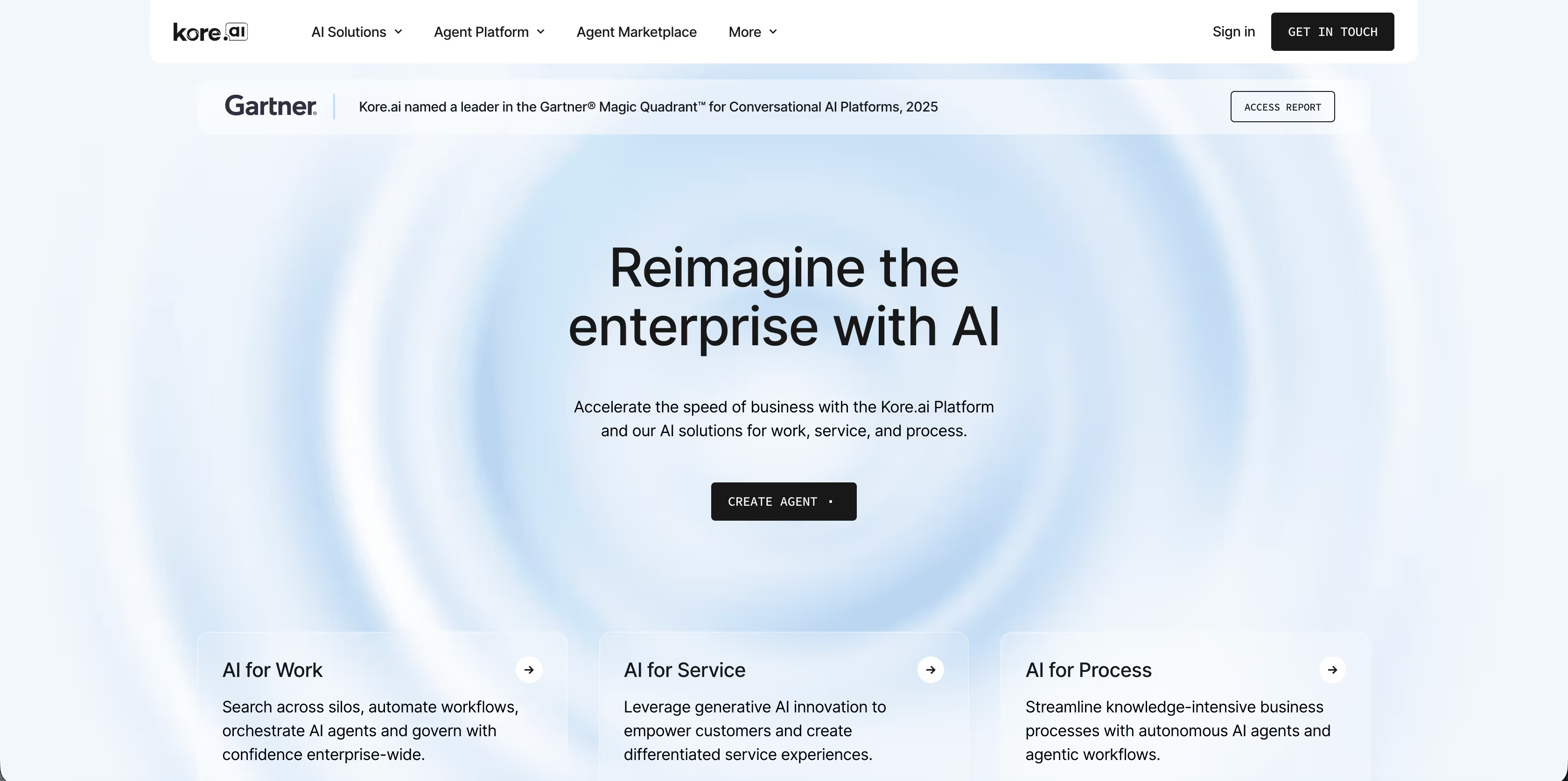
The platform lets teams design, test, and deploy intelligent bots that understand natural language and integrate deep into backend systems. This means your bots can do more than answer questions. What makes Kore.ai stand out is how much you can customize and extend its AI bots, whether for support chat, voice assistants, or internal workflows.
Key Services
- Agentic Contact Center: It combines intelligent self-service, advanced routing, and real-time agent assistance to speed up resolution time.
- Quality Assurance: Each customer interaction can be scored based on speech patterns and playbook adherence. You can also create a coaching plan based on a specific interaction.
- Outbound Campaign Automation: You can create AI-driven outbound campaigns that can proactively reach customers with messages, reminders, surveys, or follow-ups.
Pros
- The list management feature lets you create do-not-call lists and enables time zone mapping.
Cons
- There are opinions that it takes some time to get comfortable with a few of the advanced features.
Pricing
- They offer custom pricing.
9. Yellow.ai
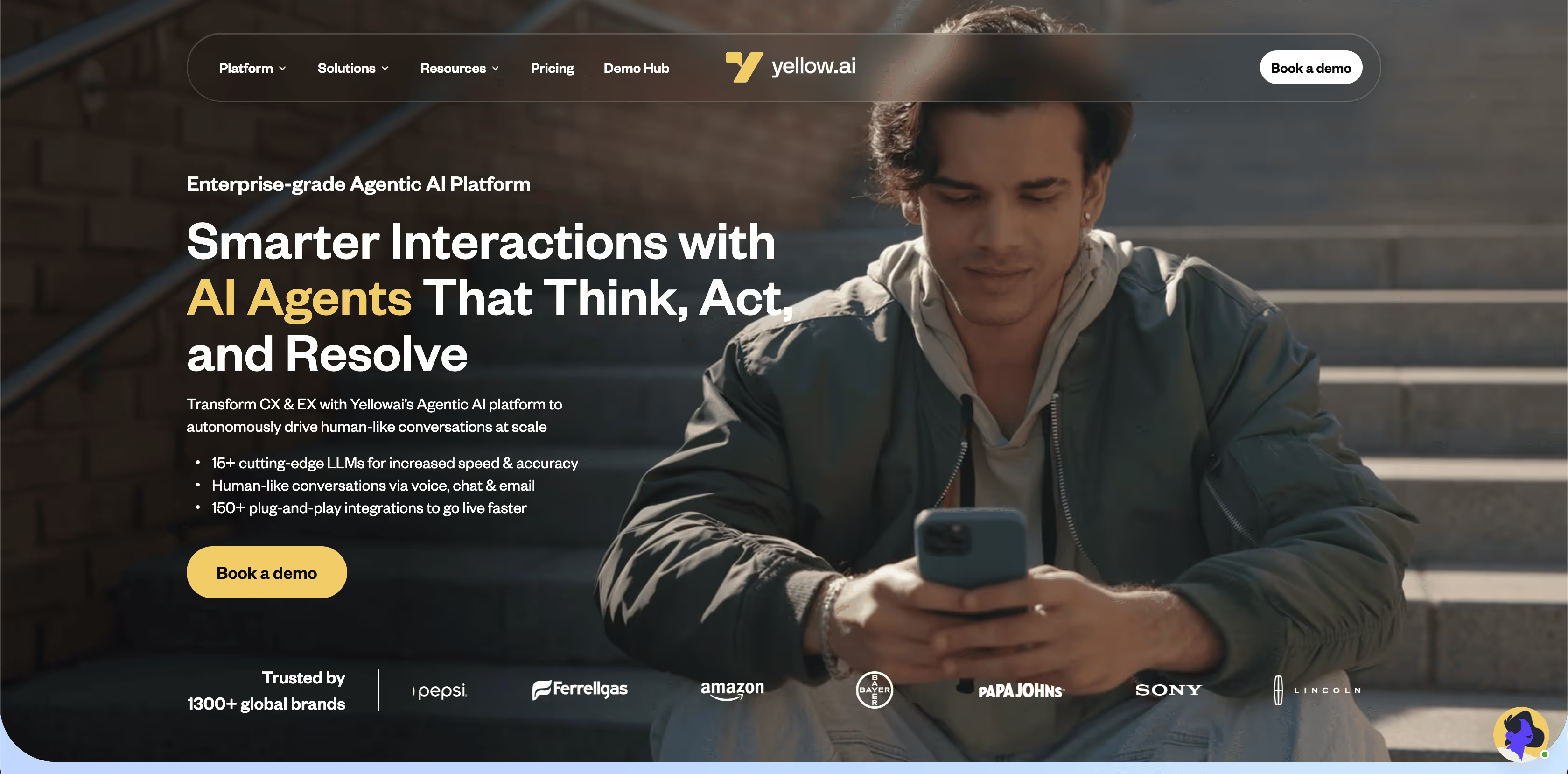
Yellow.ai is a conversational AI platform built on multi-LLM architecture, designed to automate customer interactions on a global scale. It supports more than 35 channels and 135+ languages, so you can reach customers wherever they prefer to communicate.
Key Features
- Orchestrator LLM: This is their in-house AI agent model that can understand intent, keep context, and drive human-like conversations across complex scenarios with generative intelligence.
- AI Copilot and Analytics: Your team gets built-in tools that help preview, test, optimize, and monitor AI performance with real-time insights
- Omnichannel Orchestration: Conversations stay consistent across text, voice, email, and messaging channels without losing context.
Pros
- The tool is praised for being easy to use once set up and having a flexible no-code bot-building experience with drag-and-drop options.
Cons
- Users note that the setup and workflows may feel complex if you’re new to NLP-based tools.
Pricing
- The free version offers 1 agent and 500 chats per month.
- You can reach out to the team for a quote.
10. Voiceflow
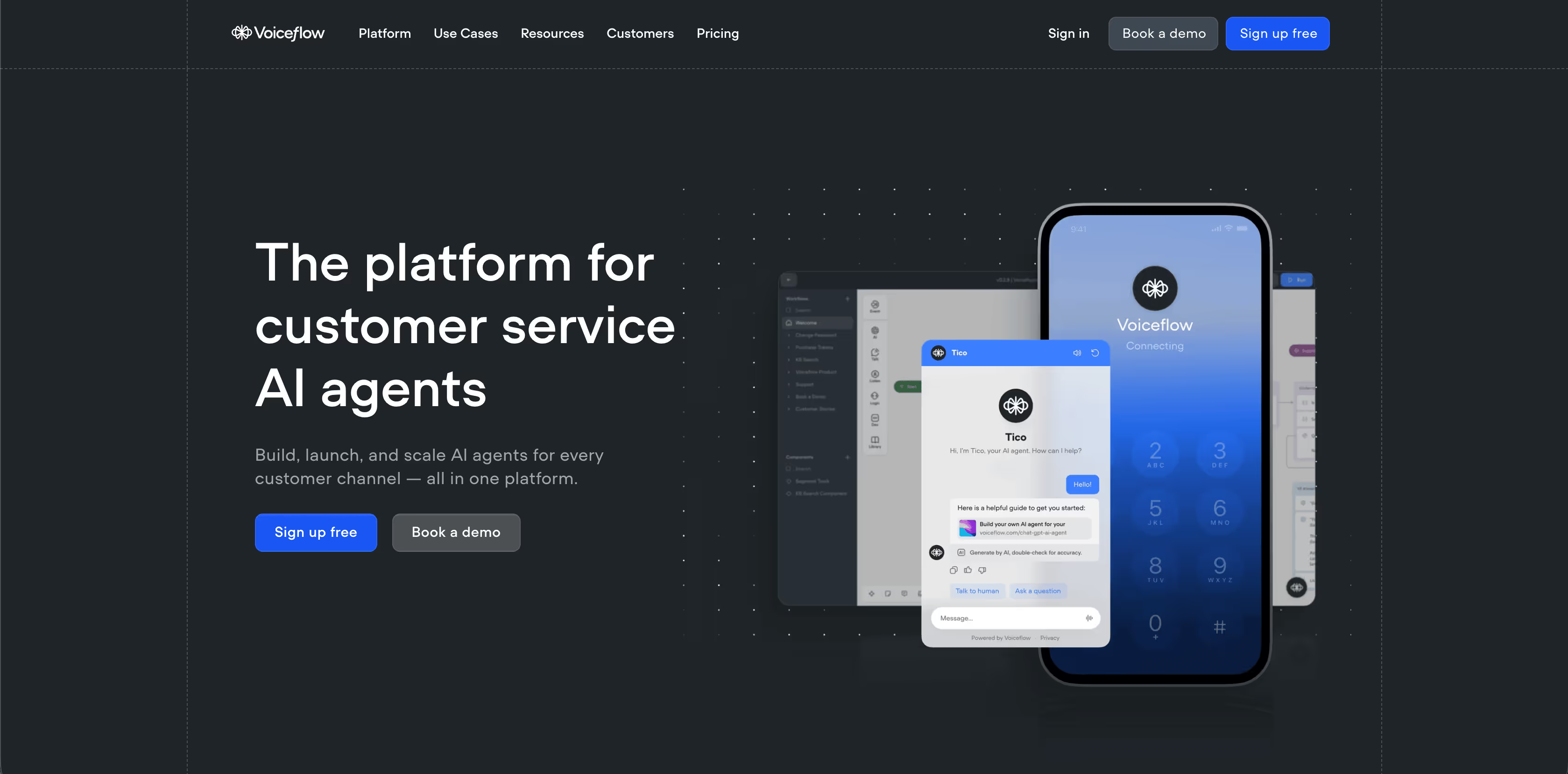
Voiceflow started as a way for designers, product teams, and developers to design both voice and chat experiences visually. Unlike tools that only handle support replies, Voiceflow focuses on designing and testing full AI conversations that can work across voice assistants, web chat, messaging apps, and custom apps.
Key Features
- Custom variables and logic: You can add conditions, variables, and advanced logic to make conversations adaptive and dynamic.
- High-fidelity prototyping: You can test agents in real time exactly as users would experience them and easily share prototypes for review and approval.
- Multi-LLM support: The platform lets you switch between different LLM providers, including OpenAI and Anthropic, so you are not tied to one vendor as your needs or costs change.
Pros
- People love that they can design advanced flows without hitting limitations. “After spending just two hours exploring it, I was able to understand the system and start building AI chatbots, which speaks volumes to its user-friendly design.” (G2)
Cons
- A few reviews mention that pricing and setup for complex or large projects can feel a bit confusing or heavier than expected for simple use cases.
Pricing
- The starter plan is free.
- Pro for individual builders starts at $60/month
- Business for growing teams will cost $150/month
Why People Look for Decagon Alternatives
When you look at these tools side by side, a pattern shows up pretty quickly. Most teams don’t start searching for Decagon alternatives because something is broken. They start when the tool no longer matches how they want to run support.
For many teams, the decision to switch comes down to a few key factors.
Pricing can be a blocker
Decagon is built for large enterprise deals. In practice, that means onboarding usually starts at around $120,000 in annual contract value. For growing teams or companies testing AI support for the first time, that price tag can feel heavy. Sierra follows a similar enterprise-only pricing approach, which puts both tools out of reach for many mid-market teams.
Customization feels limited for some use cases
There can be limitations in terms of flexibility when building complex workflows. On top of that, the current AI agent experience is not very self-serve. Teams often need hand-holding to make changes, which slows things down if you want to experiment or iterate quickly.
Integrations and flexibility matter more as teams scale
Some teams may realize they need deeper integrations, faster setup, or more control over how AI fits into their existing tools. When that flexibility is missing, even a strong platform can start to feel restrictive.
Which Decagon Alternative Fits Your Team Best?
- Choose Ayudo if you want AI that actually helps agents take action across multiple channels during live chats or calls.
- Start with Freshdesk or Gorgias if you want something you can roll out quickly without a ton of setup.
- Zendesk is great when you need a solid system to keep tickets, conversations, and AI suggestions all in one place.
- Fin by Intercom or Ada is better when accuracy inside your existing helpdesk matters most, especially if you’re on Intercom.
- Sierra fits teams handling lots of conversations who want AI agents that feel natural and can take meaningful actions.
- Go with Kore.ai if you need enterprise-level bots with full control, compliance, and complex workflows.
- Yellow.ai works well when your focus is global support across multiple languages and channels.
- Voiceflow is ideal if your goal is to design and test AI conversations before going live, especially for product or engineering teams.
What to Look for When Considering an Alternative to Decagon
You have to think about what really matters for your team:
- Cost and onboarding: How fast can you get started, and does it fit your budget?
- Customization: Can you tweak workflows and AI behavior without getting stuck?
- Channels and integrations: Will it work where your customers already reach you, like email, chat, WhatsApp, Slack, or phone?
- Team fit: Does it support how your agents actually work and make their day easier?
Keep these in mind so you can pick one that works for your workflow and fits the way you work.
While you’re at it, and if you’re confused, you could also take Ayudo for a quick spin. Why don't you see for yourself how its multi-agent AI handles chats and calls? And maybe, it can actually make your team’s day a bit easier! No pressure, just a feel for how it works in real life.
Frequently Asked Questions
Many teams start looking around when Decagon’s pricing feels too steep or its onboarding takes longer than expected. Others find they want more control over how workflows are built, easier customization, or simpler integrations with the tools they already use. Some alternatives also make it easier to experiment without needing heavy setup or engineering support.
Think about four things first: cost and how quickly you can get started, how easy it is to customize workflows, whether the platform works across all the channels your customers use, and whether your agents feel comfortable using it every day. If a tool checks those boxes for you, it’s worth a closer look.
Not always. Some tools focus mainly on web chat and email first, while others also include phone, SMS, or messaging apps. For instance, Ayudo supports conversations from email, phone calls, Slack, Discord, WhatsApp, WeChat, and more, and it handles both text and voice in the same system. When you compare alternatives, make sure the channels you rely on are actually supported by the tool you’re considering.
That depends on the platform you choose. Most alternatives offer ways to import past conversations, archive tickets, or sync with your current helpdesk or CRM. Before switching, double-check how migration works so you don’t lose context that matters to your support team.
Yes. Many tools on this list offer free trials, demos, or starter plans so you can test them with your real workflows. It’s actually important to try and see how they handle your use cases before jumping straight into a long contract.



