Table of Contents
Zendesk often makes sense in the beginning. But after months of using it, the effort required to maintain it starts to feel heavier than it should. Simple tasks need more setup, and small changes take longer than expected. At some point, the question shifts from fixing Zendesk to whether an alternative tool might handle the same work with less effort.
So, in this guide, we’ll walk through the best Zendesk alternatives, what each one does well, and how to figure out which might work best for your team.
A quick note: The right choice is not about bending your team to fit a platform, but finding the one that fits your team’s needs and workflow.
What are the Best Zendesk Alternatives?
Ayudo
AI-led support teams
Agentic AI workflows
$0.7/ticket
Freshdesk
Growing support teams
Strong ticket automation
Free, paid from $19/user/mo
Fin by Intercom
Product-led SaaS
AI self-serve chat
$0.99 per resolution
Help Scout
Email-first teams
Simple shared inbox
Free, paid from $25/user/mo
LiveChat
Real-time website chat
Fast live messaging
From $19/user/mo
Gorgias
Ecommerce support teams
Deep store integrations
From $10 for 50 tickets/month
Zoho Desk
Structured support workflows
Department-based automation
Free, paid from $7/user/mo
ProProfs Help Desk
Simple support setups
Easy ticket management
Free, paid from $19.99/user/mo
Gladly
Customer-first B2C brands
Conversation-based support
Custom pricing
Hiver
Gmail-based support teams
Native Gmail workflows
Free, paid from $25/user/month
10 Best Alternatives to Zendesk: A Detailed Breakdown
Before we jump into the list, here’s how we picked these alternatives. We looked at each tool to see:
- How well it actually handles day-to-day customer support
- How easy it is to set up, use, and adapt as your team changes
- Whether the pricing is clear and feels worth it
- What verified customers are saying about it in practice
Here’s the first one in the lineup:
1. Ayudo - Agentic AI Platform
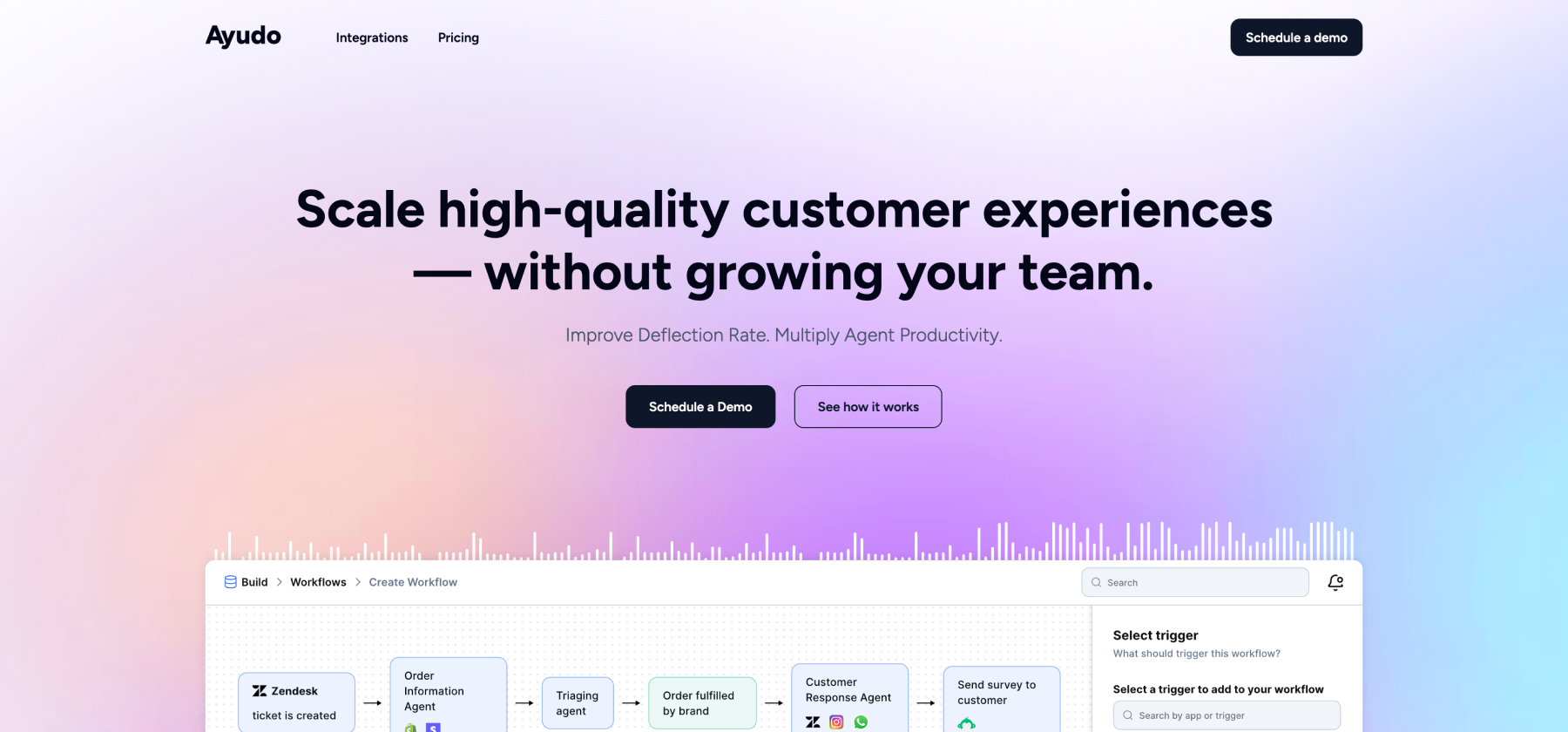
Ayudo is built to make support easier and faster for teams. Unlike traditional helpdesks, it uses multiple AI agents that work together to handle conversations across email, WhatsApp, Slack, Discord, phone calls, and more.
The Proactive Copilot, an AI assistant, can suggest replies, update customer information, handle orders automatically, and even follow up with vendors, all from a single inbox. It’s designed to combine workflows, knowledge, and real-time insights in one place to help teams scale support without growing the team.
Key Features
- AI agents: Multiple AI agents collaborate to manage each conversation and workflow automatically.
- Custom knowledge and data objects: AI agents pull information from PDFs, URLs, CRMs, and internal tools. Admins can create custom data types and keep them synced in real time so suggestions are always relevant.
- Voice and task-specific AI agents: Specialized agents handle voice conversations and carry out specific support tasks automatically.
- Omnichannel support: Text and voice conversations are supported on email, Slack, Discord, WhatsApp, phone, and more. Everything comes into a single inbox so agents can respond efficiently.
- Proactive Copilot for agents: Every conversation gets AI suggestions, sentiment checks, and actionable recommendations. Agents can let the AI draft replies or take steps automatically.
Pros
- Ayudo’s multiple AI agents can update customer info, manage orders, and take actions automatically.
“We explored many support tools, yet only Ayudo’s agentic AI checked every box. Its AI agents automatically respond to customers with real-time order updates and follow up with vendors for tracking info, lifting the grunt work off our desks so the team can focus on richer conversations and proactive service.”
- Co-founder and COO of Safegold
Cons
- Advanced setup and automation may take time to learn.
Pricing
- The pricing is usage based. Just reach out to the team for a detailed quote.
Give Ayudo a spin and see how your team’s support can actually run itself.
2. Freshdesk
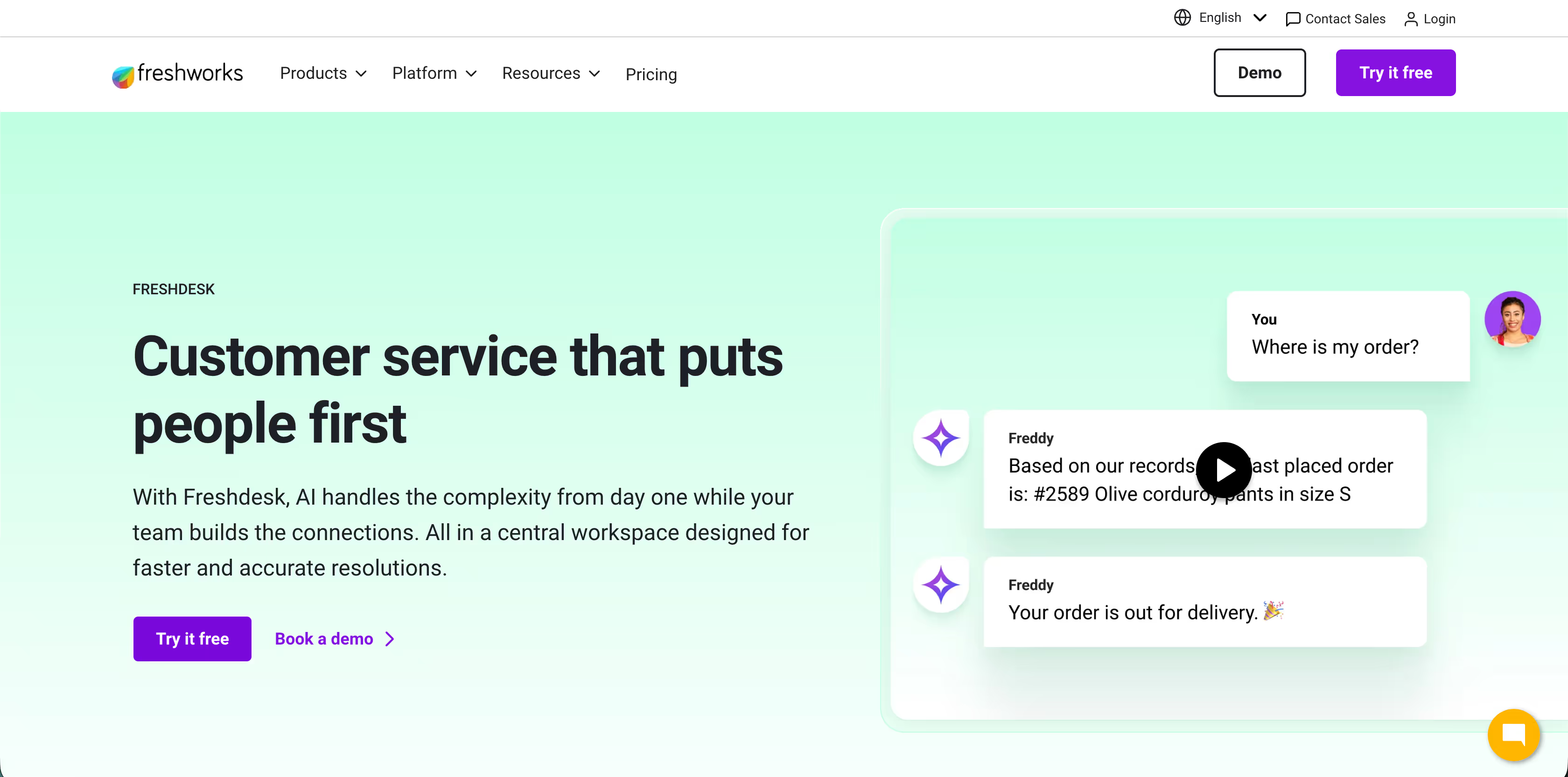
Freshdesk is a cloud-based customer support platform from Freshworks. It helps you collect all customer messages from different channels like email, chat, phone, social media, and more into one organized system.
Key Features
- Internal threads & task linking: Agents can discuss issues privately inside tickets and link related tasks without cluttering the customer view.
- Freddy AI Copilot & AI Agents: This built-in AI helps agents with sentiment analysis, suggests relevant knowledge base articles, automates repetitive tasks, and can generate intelligent insights on ticket trends.
- Multilingual support: Customers can submit tickets and find help articles in their own language through a branded portal.
Pros
- Role-based access, single sign-on (SSO), business hours scheduling, and IP/domain whitelisting help keep the helpdesk secure.
Cons
- While Freshdesk is comparatively less pricey than Zendesk, you need to install separate apps for live calls and chat.
Pricing
- You can try the platform for free.
- The Growth plan starts at $19/agent/month billed annually. Freddy AI is not included in this plan.
- The Pro Plan will cost you $55/agent/month.
3. Fin by Intercom

Intercom started as an in-app messaging tool and grew into a full support platform built around conversations. Instead of treating AI as a simple add-on, Intercom’s Fin AI Agent is trained and deployed within the same suite that agents use every day, helping to resolve queries and hand off to humans when needed.
Key Features
- Fin AI Agent: It answers customer questions using your help center content and previous support replies. Fin handles complex queries through an improvement loop called the Fin Flywheel.
- Knowledge sources and Guidance: Fin uses multiple public and private knowledge sources, including Help Center articles, internal support content, PDFs, and URLs to learn. With Guidance, you can define the tone, vocabulary, and style, and set rules for specific brands, customer segments, or product lines.
- Topics Explorer: It groups customer conversations into themes or topics and subtopics, so you can spot patterns and issues easily.
Pros
- Users often praise the “Content and Guidance docs”, which improves efficiency and saves a ton of time from manually browsing through internal docs.
Cons
- The per resolution pricing can increase quickly as usage grows
Pricing
- If connecting your existing helpdesk to Fin, it’s $0.99 per resolution (minimum commitments apply.)
- For Intercom Suite, it will be $0.99/Resolution + $29/helpdesk seat/month
4. Help Scout
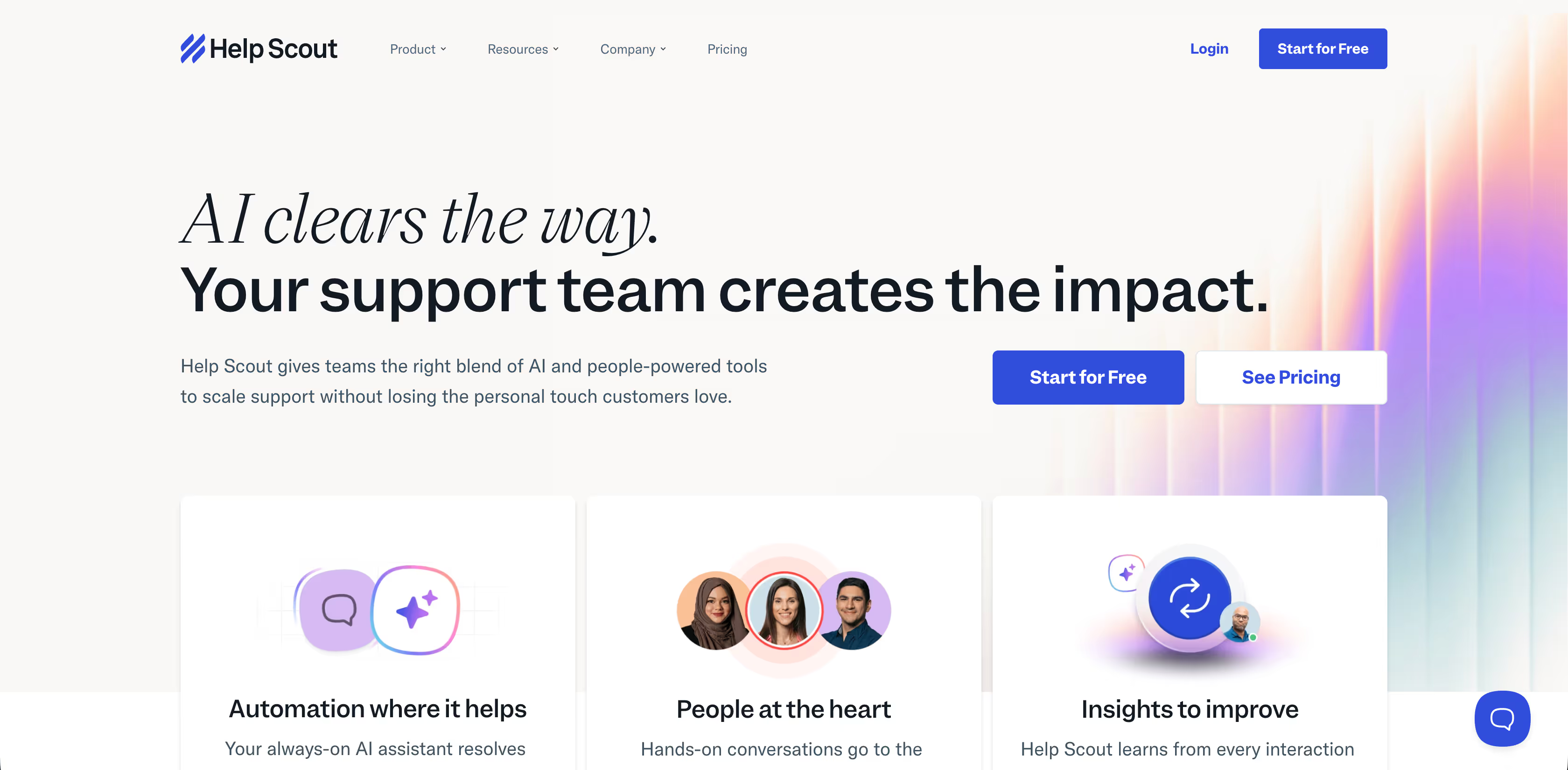
Help Scout was built around the idea, “People should never be reduced to transactions and ticket numbers” and that businesses should never have to compromise on CX. Help Scout’s shared inbox is built to feel like a normal email thread, but with support tools like automation, customer context, and team collaboration added in.
Key Features
- AI Chatbot: AI Answers, the self-service assistant will be available 24/7, ready to answer in a tone that matches your voice that too in 50+ languages.
- Beacon support widget: Beacon is an embeddable support hub that lets customers search your help content, start a chat, or view past conversations without leaving your site or app.
- Customer profiles & history: A sidebar shows past conversations, tags, and custom data so agents always have context.
Pros
- Help Center + Beacon gives customers a strong set of self-serve options.
- Shared inbox feels familiar and reduces a lot of context switching.
Cons
- AI Answers chatbot is an add-on and works on a $0.75 per resolution basis and is not available with the free plan.
Pricing
- They offer a free plan.
- The Standard Plan is $25/user/month
5. Live Chat
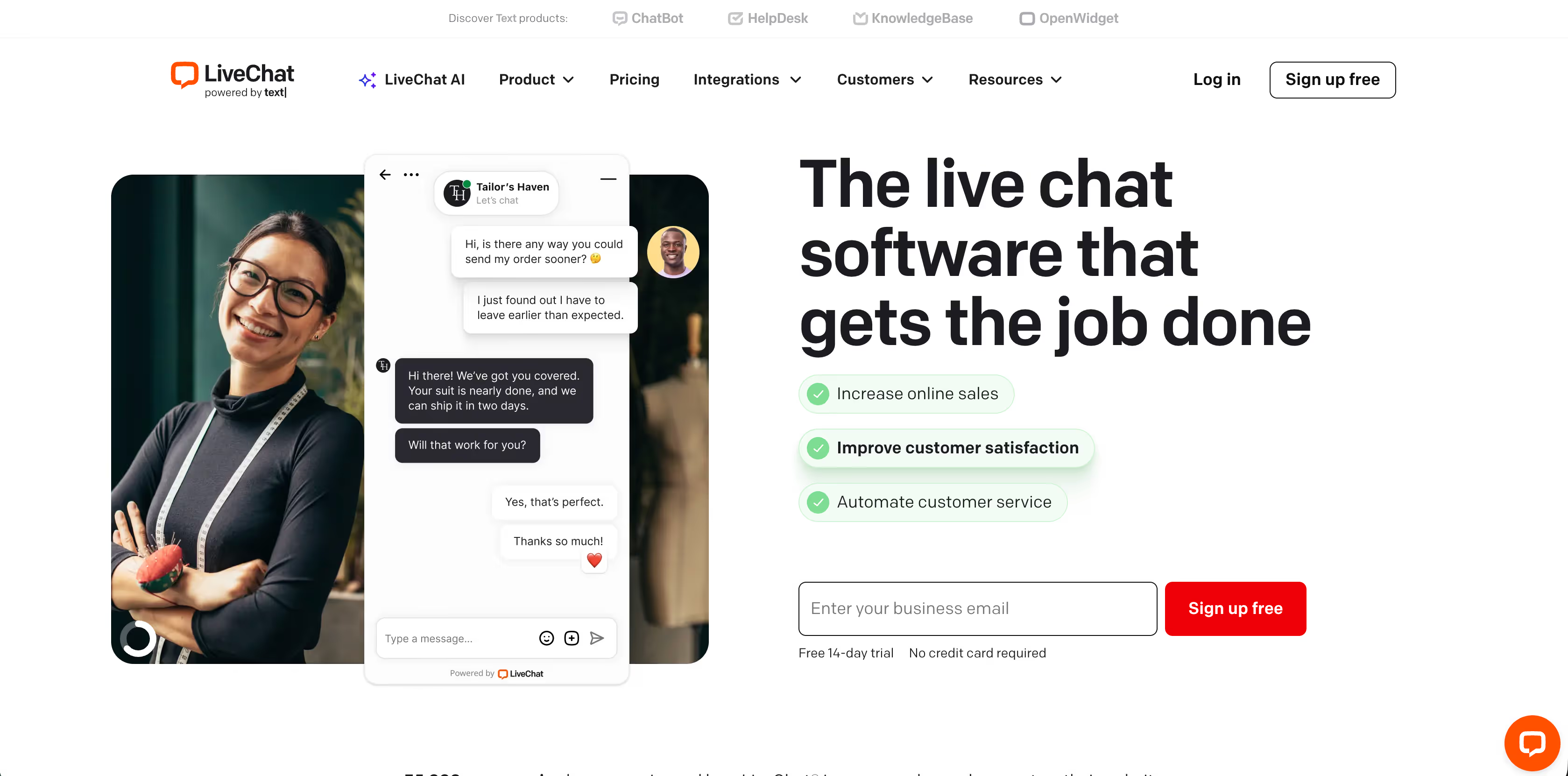
LiveChat, powered by Text, is a chat-first support platform that focuses on helping teams talk to customers in real time. It began as a simple website chat widget and has grown into a tool that supports automated messages, chat routing, reporting, and deeper integrations.
Key Features
- Automated greetings: You can set rules so visitors get automatic welcome messages based on behavior, time on page, or referral.
- Open Widgets: You can place a customizable chat window on your website or app to let users start conversations instantly.
- Real-time visitor analytics: See visitor details like location, pages they’ve viewed, and how long they’ve been on your site.
Pros
- Their visitor analytics and integrations are often praised by users. A customer on G2 shared “...The integration with Google Analytics is also beneficial, giving us a better insight into how people spend time on our website and those who wish to engage further.”
Cons
- Some of the automations require a separate app called ChatBot, and some have reported having a hard time switching between the two.
Pricing
- You can try the platform for free.
- Starter plan for Small business start at $19/month/person billed annually
- For businesses it will be $79/month/person billed annually
6. Gorgias
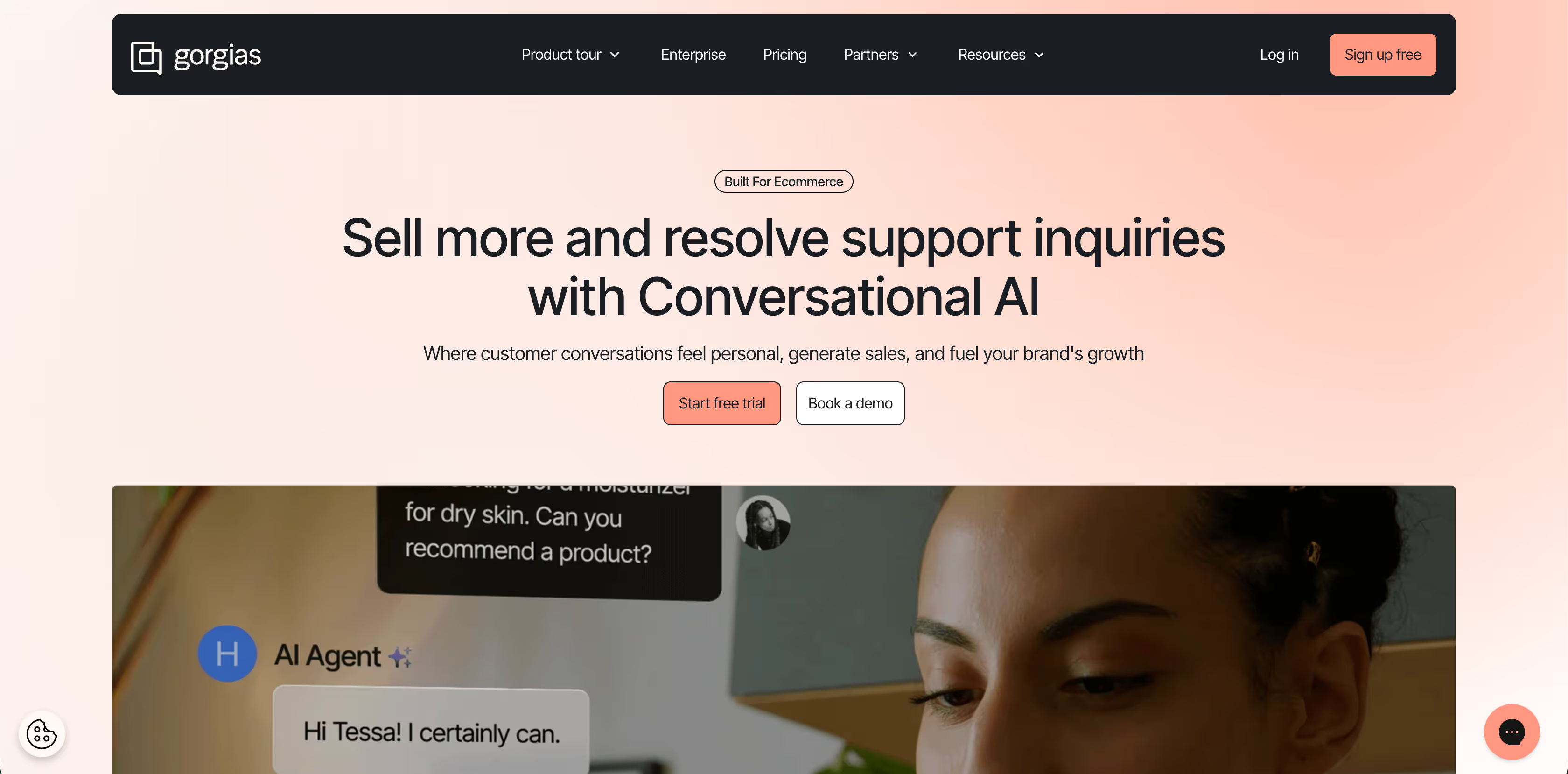
Gorgias is a help desk with a focus on ecommerce brands. What makes it different is how tightly it connects to your store data. Support agents can see order details, shipping status, and customer history right inside a ticket, so they don’t have to switch between tools or guess what’s in a customer’s order.
Key Features
- E-commerce platform integrations: Integrates with Shopify, Magento, BigCommerce, and more so agents can see and update orders, issue refunds, and view customer purchase history without leaving the helpdesk.
- Personalized CX: You get the complete context on past orders, subscriptions and reviews to create a tailored experience.
- Agent Workspace: Gorgias Macros can reply to the customers, tag the ticket, close it, issue a refund, or update an order. You also get a view of the timeline with orders, events, interactions across channels.
Pros
- Automations and macros help reduce repetitive work and speed up replies. Users have reported a 60% reduction in human handled tickets.
Cons
- Support teams unfamiliar with ecommerce-centric helpdesks may need time to adjust workflows to take full advantage of integrations
Pricing
- The starter plan will cost you $10 for 50 tickets/month
- The basic plan is $104 for 300 tickets/month when billed annually.
7. Zoho Desk
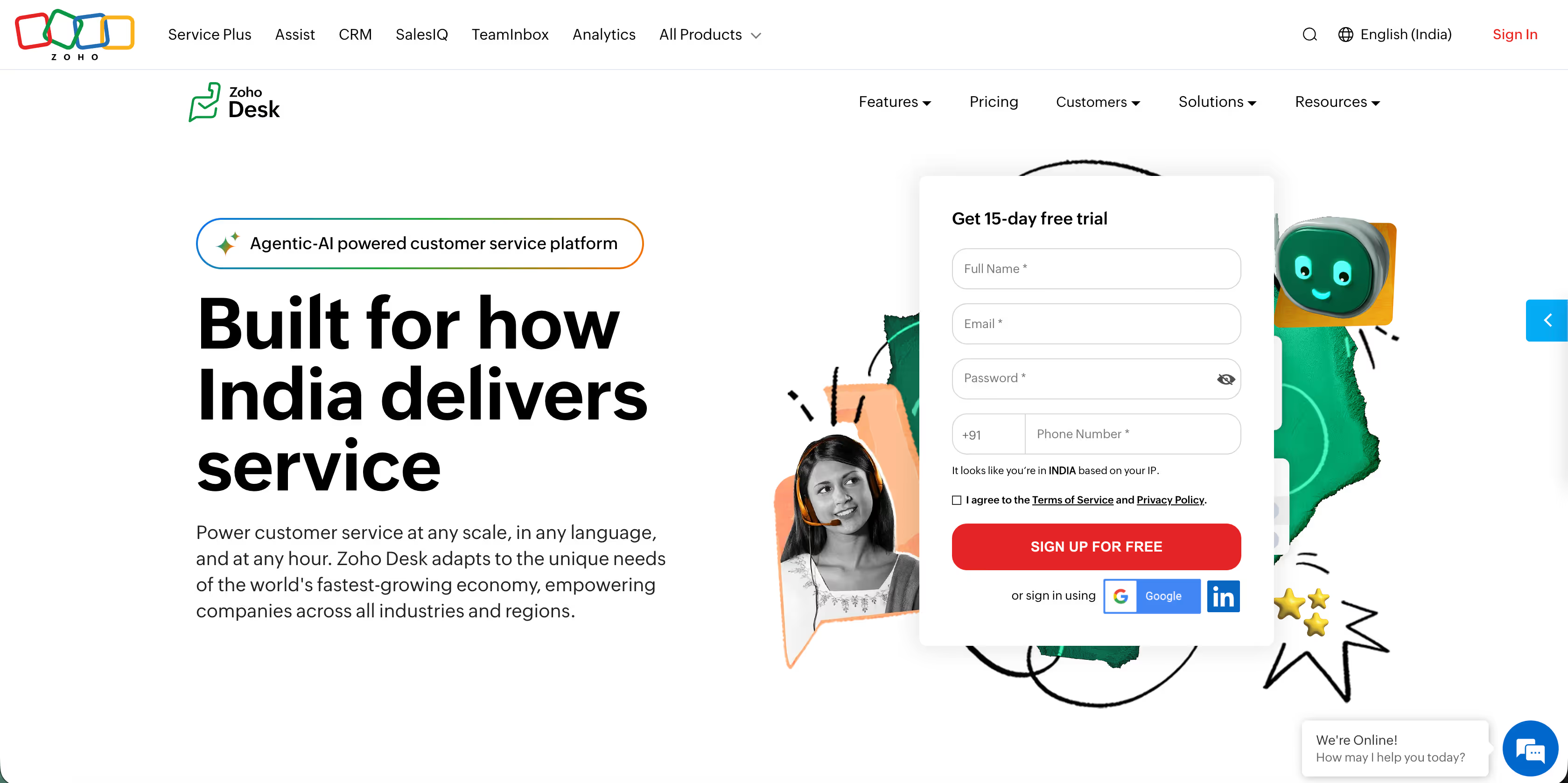
Instead of treating all tickets the same, Zoho Desk lets you create separate departments with their own SLAs, workflows, and automation. A billing ticket, a product issue, and a partner request can all follow different paths without agents stepping on each other.
It also comes with Zia, Zoho’s AI assistant, which helps spot ticket sentiment, suggest replies, and surface patterns in support requests.
Key Features
- Blueprint: You can design step by step ticket flows, who can act next, and what has to happen before a ticket moves forward, all with a drag-and-drop builder.
- ASAP widget: Easily customize and embed a support widget in your website or mobile app that shows help articles, lets customers start chats, or submit tickets in context.
- AI-powered Zia Agents: The built-in AI features include sentiment analysis, reply suggestions, auto-tagging, predictive insights, and automated support workflows to speed up responses.
Pros
- Support teams often call out how helpful the unified ticket view is, along with the ease of creating detailed, multilingual help centers.
Cons
- A user on G2 noted that “Some advanced settings take time to find, and the admin/configuration area can feel a bit dense at first.”
Pricing
- They offer a free edition.
- The pricing starts at $7/user/month billed annually
8. ProProfs

ProProfs Help Desk is built for teams that want structure without complexity as it combines ticketing with self-service. The help desk connects directly to a customer portal and knowledge base, so customers can track tickets and find answers on their own.
Key Features
- Automatic ticket assignment: Incoming tickets can be assigned automatically to agents or groups based on rules.
- AI-powered ticketing: ProProfs uses AI to help summarize tickets and suggest replies, making it faster for agents to respond.
- Parent-child ticketing: You can break complex issues into smaller linked tickets. Each sub-ticket can be tracked separately while staying tied to the main request.
Pros
- Their support team is often praised for being friendly and always available.
Cons
- Some users say ProProfs Help Desk doesn’t connect with as many external tools as they’d like, which can make workflows harder to link across systems.
Pricing
- It is free for a single user
- For teams, $19.99/user/month billed annually
9. Gladly

Gladly replaces tickets with ongoing customer conversations. Every email, chat, SMS, or phone call is tied to the customer, not a case number. Agents always see the full history across channels, which works especially well for B2C brands handling repeat conversations at scale.
Key Features
- Native omnichannel support: The support agents can handle voice, IVR, chat, SMS, email, and social messaging (like Facebook Messenger and Instagram) all inside the same platform, without separate integrations.
- AI-powered Sidekick & automation: Gladly’s AI resolves common inquiries, personalizes responses, and escalates to an agent with full context when needed.
- People Match: The customer routing software connects customers with the best-suited support agent based on their specific needs, history, and sentiment.
Pros
- Users praise the implementation process, saying Gladly’s team guides them smoothly through setup.
Cons
- Several reviewers mention workflow gaps, like profile mismatches or conversations dropping out unexpectedly. One customer shared that “sometimes, my customers go missing and need to be reassigned to me,” which can interrupt ongoing conversations and slow agents down
Pricing
- You can reach out to the team for a quote.
10. Hiver
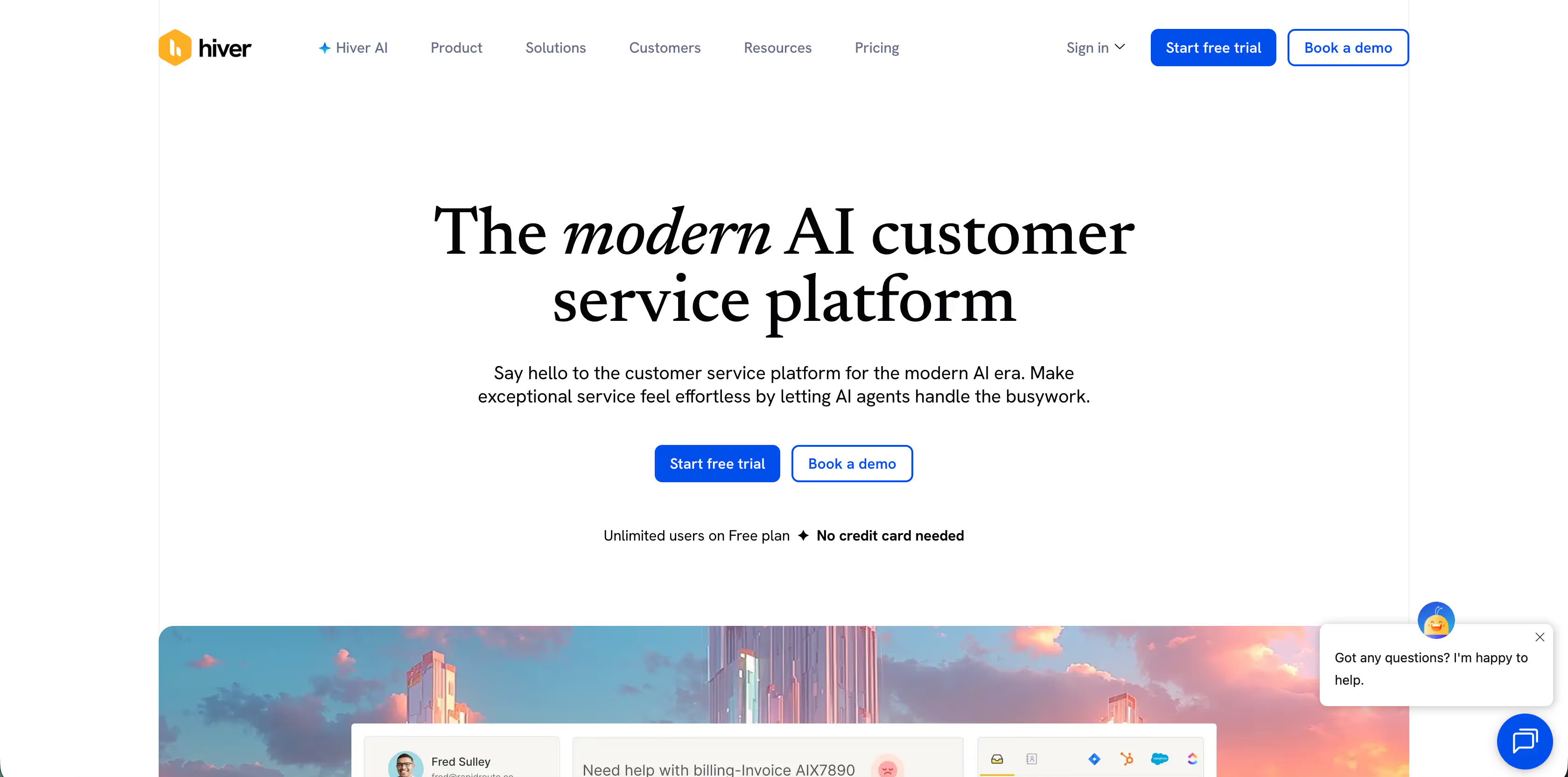
Hiver is a helpdesk built inside Gmail. Instead of moving your support email to a separate helpdesk tool, Hiver works with the Gmail interface that teams already use. Every email addressed to a shared inbox, like support@, help@, or sales@, turns into an assignable conversation.
Key Features
- Shared inbox for email: Manage support mailboxes (support@, help@) right within Gmail. Agents assign conversations to each other without forwarding or cc’ing.
- Collision alerts: Hiver warns agents when someone else is replying to the same email so responses don’t overlap.
- SLA timers: Set service level expectations (like first response time) and track compliance with easy timers.
Pros
- Support teams don’t have to switch to a separate helpdesk, everything works inside Gmail.
Cons
- It is strong for email support, but it’s not a full omnichannel tool. If you need built-in SMS, chat, phone, or social support, you’ll need other tools or integrations.
Pricing
- A free forever plan is available
- The Growth plan starts at $25/user/month
Why People Look for Alternatives to Zendesk
Zendesk is often the first support tool teams choose. It works well early on. But as usage grows, many teams start noticing friction that slows them down or costs more than expected. That’s usually when they begin exploring Zendesk alternatives.
AI Limitations
Zendesk’s AI handles basic queries and self-service routing, but setting up workflows or ticket deflection is manual and not intuitive. Advanced AI tools like Answer Bot and predictive analytics are only available on higher plans, making them expensive and less accessible for smaller teams.
Pricing concerns for leaner teams
Zendesk’s pricing grows fast. Core features are locked behind higher plans, and costs increase with every added agent or add-on. For small or lean teams, the total spend often feels out of sync with how much of the platform they actually use.
Slow customer service at times
For a support platform, a common complaint from users is slow or inconsistent help from Zendesk’s own support, especially on lower-tier plans. When your own support tool takes time to resolve issues, it becomes a blocker rather than a helper.
Feature bloat vs actual usage
Zendesk offers a wide range of features, but most teams use only a fraction of them. The extra complexity adds setup time, admin work, and training effort without improving day-to-day support. For many teams, simpler tools end up being more effective.
That’s often the point where teams look at alternatives to see if there’s a better fit.
So, Which of the Zendesk Alternatives Would Fit Your Team?
To sum it up:
- If your team wants AI that actually takes action and can handle conversations across email, chat, WhatsApp, and voice, Ayudo is the clear choice. Its multi-agent AI can update customer info, manage orders, and automate workflows.
- Freshdesk and Help Scout are strong for small to midsize teams or growing teams that need straightforward ticketing, automation, and a shared inbox experience.
- Product-led SaaS teams relying on in-app messaging often find Fin by Intercom works well, while websites focused on live chat and real-time engagement do best with LiveChat.
- Ecommerce stores that need order and customer data inside tickets usually prefer Gorgias.
- Teams that want structured workflows and SLAs across departments can look at Zoho Desk, and small teams that want simple ticketing with automation may choose ProProfs Help Desk.
- B2C brands managing repeat conversations across multiple channels often lean toward Gladly, and teams sticking mostly to Gmail can use Hiver to manage shared inboxes with SLA tracking and collision alerts.
The right tool for your team comes down to how you work and the direction you want to take. The best way to know is to try a few options and see which one clicks.
If you’re still unsure, why not start with Ayudo? Take it for a spin, explore the multi-agent AI, and see how it handles your workflows. It might just be the solution your team has been waiting for.
Frequently Asked Questions
Yes. Most helpdesk tools let you import tickets, contacts, and knowledge base content. You might need a migration plan, but moving is usually straightforward if you check what data can be transferred beforehand. But, with tools such as Ayudo, you don't even have to migrate to use the AI Agents.
Start by mapping your support channels, ticket volume, and automation needs. Test a few tools with a trial or demo to see which one handles your day-to-day support smoothly.
Yes. Many support tools let you manage email, chat, social media, WhatsApp, and voice in one place, so your team doesn’t have to switch between apps.
It depends on your team size and features. Some tools offer usage-based pricing or free tiers, so you only pay for what you need instead of extra agents or add-ons.



