Table of Contents
If you’re comparing Freshdesk alternatives, you’re probably past the “should we switch?” stage. The real question now is what to switch to.
You’re looking for a tool that actually solves the things Freshdesk starts to struggle with as teams grow. Something that can handle AI, reporting, and workflows without adding more overhead. And something that feels easy to live with day to day.
That’s the lens we used to review the best Freshdesk alternatives. We’ve broken down the tools teams usually shortlist after Freshdesk, what each one does better, where they fall short, and when they actually make sense to choose.
What are the Best Freshdesk Alternatives?
Here is a table for a quick summary of the tools:
Ayudo
AI-first support
Agentic AI workflows
$0.7/ ticket
Mid to large
Zendesk
Scalable support
Reporting, automation
$19/agent/month
Small to large
HelpScout
Email support
Simple workflows
$25/agent/month
Small to mid
Zoho Desk
Workflow control
Deep customization
$7/user/month
Small to large
Gorgias
Ecommerce support
Store integrations
$10/month
Small to mid
Hiver
Gmail helpdesk
Inbox collaboration
$25/user/month
Small to mid
Intercom (Fin)
AI support
Automated answers
$0.99/resolution
Mid to large
Gladly
Customer-first support
Lifetime context
Custom pricing
Mid to large
LiveAgent
Multi-channel support
Chat, voice
$15/agent/month
Small to large
Front
Team workflows
Smart rules
$25/seat/month
Small to large
10 Best Freshdesk Alternatives: A Detailed Breakdown
When putting this list together, we focused on the things that really matter.
These are the points we kept asking before choosing each tool:
- Does the tool actually make daily support easier?
- Can you get clear insights without a complicated setup?
- Can workflows grow and change as your team does?
- Is the tool easy to use and able to scale without adding extra cost or complexity?
1. Ayudo - Agentic AI Platform
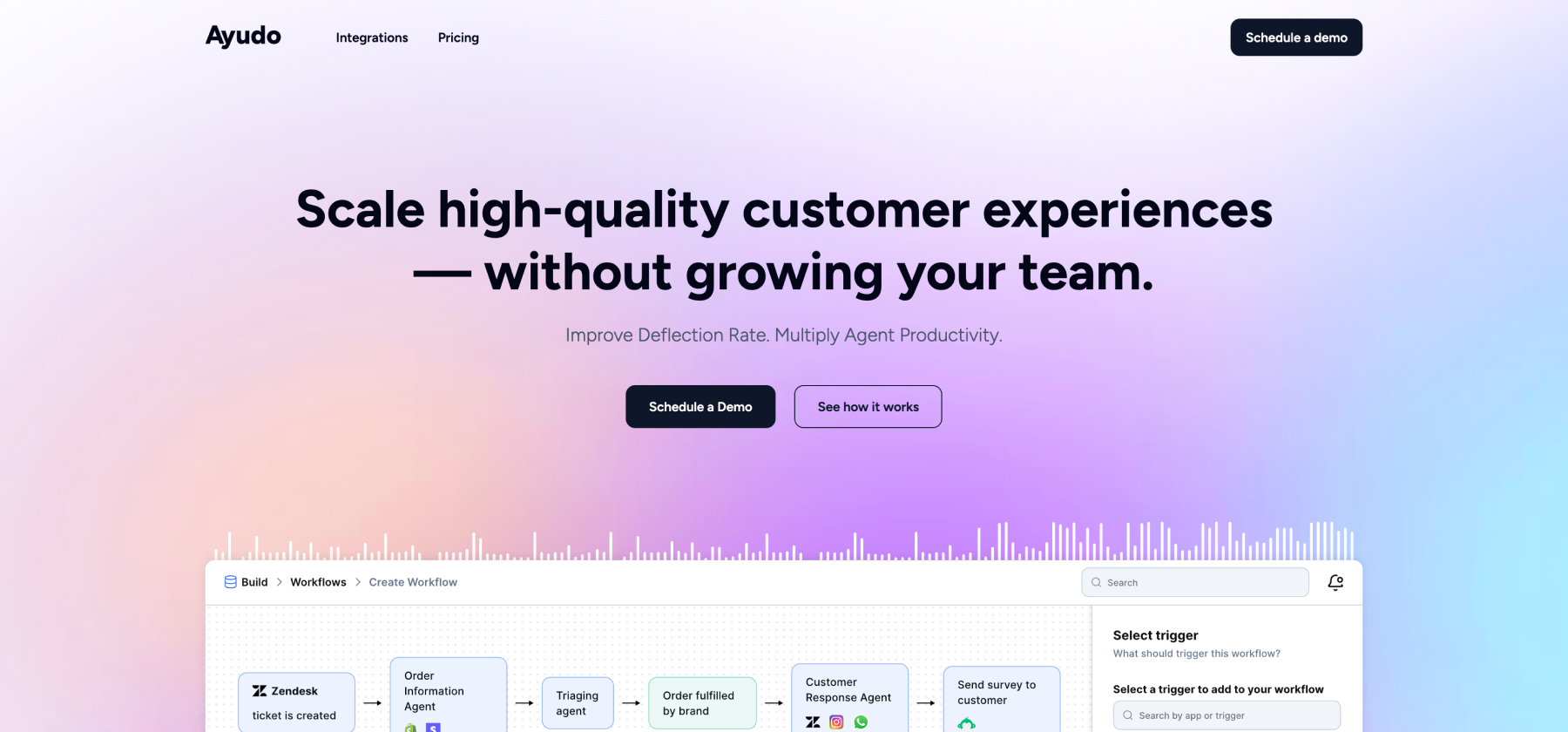
Ayudo treats support as a continuous conversation. It acts as a single inbox where customer conversations come together, whether they start as an email, a chat message, or a phone call. Agents reply from the same place, without needing a separate helpdesk underneath. That’s why Ayudo positions itself as a better alternative to tools like Freshdesk, not an AI layer on top of them.
A core part of the product is its AI Copilot, which stays active during live conversations. Instead of agents switching tabs or manually searching for context, the Copilot reads the conversation in real time and helps with replies, actions, and decisions.
Key Features
- Unified inbox across channels: View and respond to text and voice conversations from email, phone calls, Slack, Discord, WhatsApp, WeChat, and other channels in one shared inbox
- Full reply capability (not view-only): Agents can reply directly to customers from Ayudo, making it a true replacement for Freshdesk or Intercom rather than an AI add-on layered on top
- Multi-agent AI workflows: Multiple AI agents collaborate to manage each conversation and workflow automatically.
- Visual workflow builder: Create workflows using a drag-and-drop builder with triggers, actions, conditions, and AI agents instead of writing SOPs or scripts
- Analytics and quality insights: Ask questions in plain language to analyze conversations, and run AI-based quality checks using custom SOPs to surface risks, gaps, or patterns
- Proactive AI Copilot (voice-first): Talk to the Copilot during live conversations to get reply suggestions, sentiment insights, similar cases, and to take actions like updating customer data or orders
Pros
- Ayudo’s AI agents can handle routine actions like updating customer details, tracking orders, and coordinating follow-ups, reducing manual work for support teams.
“We looked at quite a few support tools, but Ayudo was the only one that felt complete. Its AI agents handle order updates and vendor follow-ups on their own, which takes a lot of repetitive work off our plate and frees the team to focus on meaningful customer conversations.”
-Co-founder & COO, Safegold
Cons
- It works best when teams are clear about how their support flows should run. You’ll need to spend some time mapping processes before the AI agents and workflows really start paying off.
Pricing
- You’ll be charged $0.7/conversation for text conversations
- $0.4 /minute for voice conversations
2. Zendesk
Zendesk was founded in 2007 in Copenhagen by Mikkel Svane, Alexander Aghassipour, and Morten Primdahl. They built the tool to be simple enough for small teams to start quickly, yet flexible enough to run support for big brands like Shopify and Airbnb.
All customer conversations, including email, chat, social, and phone, appear in one workspace. Tickets can be automatically routed, prioritized, or linked to past interactions and teams can build help centers and knowledge bases that customers actually use.
Key Features
- Ticketing System: Every customer request becomes a ticket that the team can organize, track, assign, and solve. Tickets include details like customer history and conversation context so nothing slips through the cracks.
- AI Agents: You can launch your AI agents with just 3 clicks and scale support over multiple channels and 80+ languages.
- Quality Assurance: You chats won't be let unsupervised. Their AutoQA scores each conversation, both voice and text,to improve customer satisfaction.
Pros
- Their reporting and analytics often receives praise for “quicker response times, better analytics and over all better customer service”
- Strong multi-brand and multi-language support.
Cons
- Advanced AI tools like Answer Bot and predictive analytics are only available on higher plans.
Pricing
- Basic Plan is $19/agent/month for basic email and ticketing support
- The Suite Team plans with AI included start from about $55/agent/month
3. HelpScout

Help Scout is a support tool that focuses on simplicity and direct, email-centric conversations in a shared inbox. It brings messaging, help docs, and reporting into one place so teams can manage all customer conversations without shifting between tabs or complex interfaces.
It also comes with Docs, their help center, and Beacon, the small widget you add to your site so customers can search for help articles or message you without leaving the page.
Key Features
- Multiple Inboxes: You can create different inboxes for sales, support, or different products so work stays clean and separated.
- Docs (Knowledge Base): It’s a built-in help center where customers can search for answers on their own. Articles are easy to write and update, even for non-technical teams.
- AI Chatbot: AI Answers, the self-service assistant chatbot, can respond to customer queries in 50+ languages, round the clock.
Pros
- Teams that primarily work through email find HelpScout efficient and focused on the essentials.
- Helpscout is also often praised for their excellent customer support. A user on G2 shared: “Technical support is #1. They're team is constantly updating features and notifying their customers”
Cons
- It is primarily email-centric. Real-time chat and other channels may feel more basic without extra setup or add-on services.
Pricing
- They offer a free plan.
- The Standard Plan is $25/user/month
4. Zoho Desk

Zoho Desk is Zoho’s customer support platform, built for teams that want structure. Where it stands out is how much control it gives you over the process.The tickets move through departments, rules, SLAs, and approval steps that you design.
You can decide what happens when a ticket is created, when it is escalated, when it is reassigned, and when it is considered overdue. Every stage is visible in the ticket timeline, so you always know what happened and why.
Key Features
- Advanced Ticket Controls: You can merge similar tickets, split one ticket into multiple tasks, link parent and child tickets, add tags, and view the full activity timeline for every change.
- Zia AI and Answer Bot: Answer bot is the AI companion that uses your knowledge base to answer customer queries. With Zia’s generative AI capabilities, you can give your answers a human touch.
- Blueprint Process Builder: Easily draw your exact support process using a visual flow. You can define what actions are allowed at each stage, who can move a ticket forward, and what must happen before it moves.
Pros
- A long-term user says Zoho Desk “streamlines ticket management, speeds up responses, and keeps communication with customers clear,” helping their team stay on top of support every day.
Cons
- Some of the advanced features might have a steep learning curve, especially if you are new.
Pricing
- They offer a free edition.
- The pricing starts at $7/user/month billed annually
5. Gorgias
Gorgias is built primarily for online stores. It grew out of a tiny team and now helps more than 15,000 brands manage support linked closely to sales and orders. When your support team picks up a ticket, they see order details, shipping data, lifetime spend, and customer tags right inside the ticket view so replies are informed and fast.
Key Features
- E-commerce platform integrations: The order history, refunds, shipping updates, and customer value show up right beside the support message when connected to Shopify, Magento, BigCommerce, and similar platforms.
- Macros and rules: You can reply to customer messages with reusable response templates and rule-based automations.
- AI Agents: You don't have to switch multiple platforms. Gorgias’s AI Agent can look up a customer’s order details and share tracking info right inside a ticket.
Pros
- Automations and saved replies take a lot of manual work off your plate and help teams respond faster. Some users say they’ve seen up to a 60% drop in tickets that need human intervention.
Cons
- If your team is new to ecommerce-focused helpdesks, it can take a while to get comfortable and use the integrations the right way.
Pricing
- The starter plan is $10 for 50 tickets/month.
- The basic plan is $104 for 300 tickets/month when billed annually.
6. Hiver

Hiver turns your existing work email into a lightweight support system without forcing you into a totally new app or dashboard. Instead of switching tools, agents manage shared conversations, assign work, collaborate with notes and drafts, and track SLAs right where they already spend time, inside their everyday inbox.
Key Features
- Collision alerts: Get notified in real time if two teammates start working on the same message so you don’t send mixed replies.
- Shared drafts and internal notes: Teams can collaborate on replies with teammates, tag people with @mentions, and build a better answer together before sending.
- Rule-based automations: Create rules that automatically sort, tag, assign or update conversations so repetitive work doesn’t slow you down.
Pros
- Many users say Hiver feels like an extension of Gmail rather than a separate tool. There is no steep learning curve, so teams get value quickly without long onboarding.
Cons
- Emails can be slow to load at times, and users often need to refresh, which makes it harder to work through a busy inbox.
Pricing
- A free forever plan is available
- The Growth plan starts at $25/user/month
7. Intercom
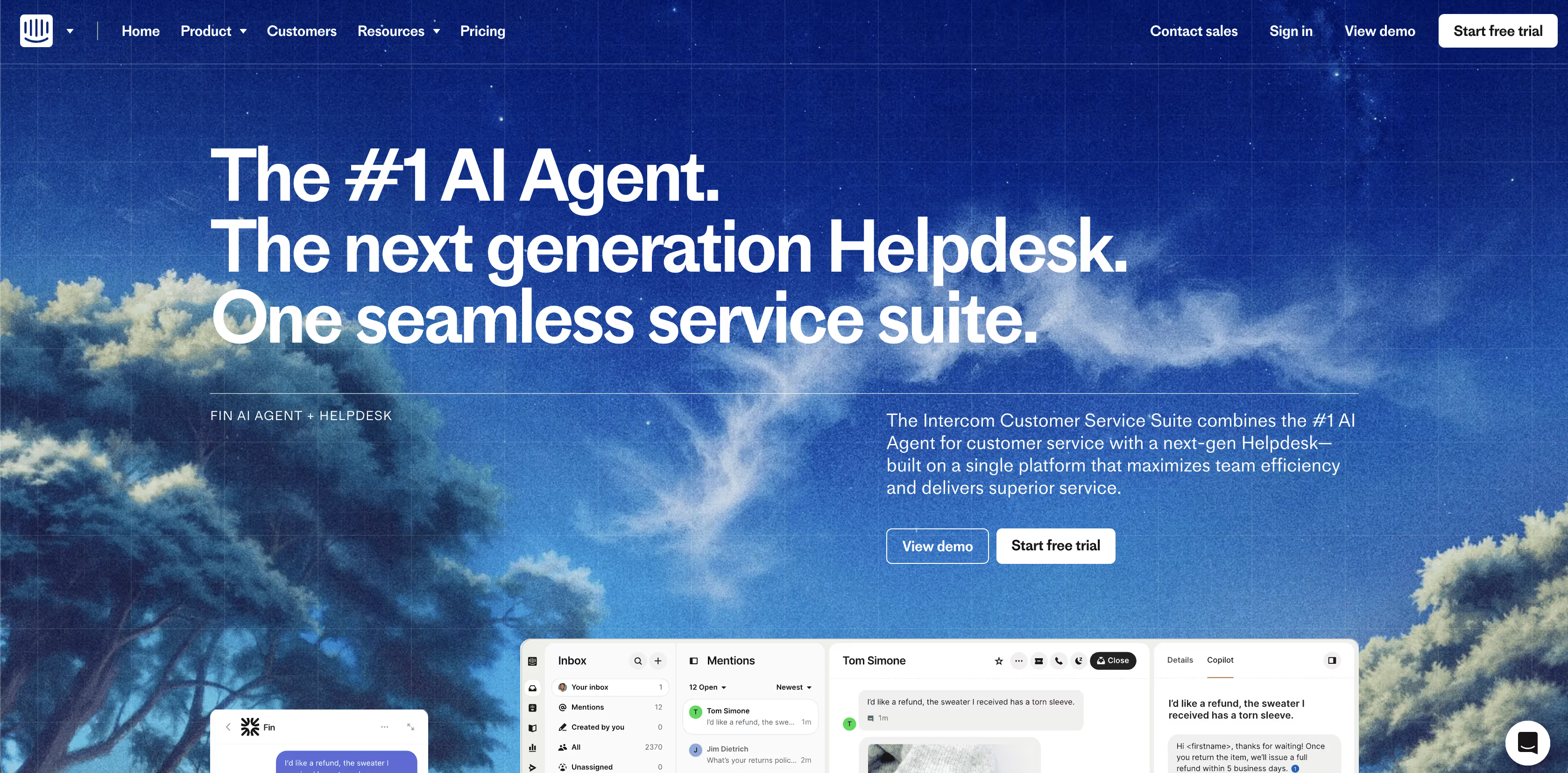
Fin is Intercom’s support assistant focused on handling and resolving common support questions automatically, then handing over to live agents when the issue needs human attention. It pulls from your support content and policies so responses match what your team would say.
Fin has been designed to work with your helpdesk or Intercom’s own support system, and you can set it up in under an hour.
Key Features
- Resolves a large share of queries: Fin is built to handle both simple and complex questions on its own, using your help center, procedures, and support content as its knowledge base.
- Human handoff controls: It is trained to recognize when a problem is too complex and route it to a human agent so that customers don’t get stuck with the wrong answer.
- Simulations: You can run fully simulated customer conversations to see what Fin is doing, when it is reasoning, and where it passes or fails.
Pros
- It works with your existing helpdesk or you can set it up as part of the Intercom Customer Service Suite.
Cons
- Pricing based on per-resolution charges can make costs hard to predict and may rise quickly for busy teams.
Pricing
- If connecting your existing helpdesk to Fin, it’s $0.99 per resolution (minimum commitments apply.)
- For Intercom Suite, it will be $0.99/Resolution + $29/helpdesk seat/month
8. Gladly

Gladly skips the traditional ticket mindset and focuses on conversations that follow the customer for life. Agents don’t have to ask “What happened before?” because the tool shows everything in one place. You can route people to the right agent based on their history or the nature of the inquiry, and build reports that show how the team is performing across voice, SMS, email, and chat
Key Features
- Smart routing: It matches customers with the right agent based on context, situation, or skills.
- Dedicated Heroes: You can assign high‑value or VIP customers a specific agent or team so the same person supports them over time.
- Voice AI: Gladly’s AI phone assistant handles customer calls end-to-end, with instant answers in natural human-like conversations. Also it automatically sends updates and confirmations via SMS.
Pros
- Many reviewers say Gladly just feels easier to use than old ticket systems, with a clean interface and clear workflow that makes setup and daily handling smoother.
Cons
- Some people find reporting and metrics buried or harder to pull than they want, especially for detailed trend analysis.
Pricing
- You can reach out to the team for a quote.
9. LiveAgent

LiveAgent doesn’t leave chat as an add‑on. Its live chat lets you see what a visitor is typing in real time, track their behavior on your site, and invite them to chat proactively.
It also supports call center features and assigns phone calls to tickets so voice support is part of the same system. You can build help centers, automate routine actions with rules, merge or split tickets, and generate reports that show how your team is performing across channels.
Key Features
- Agent collision detection: LiveAgent shows if someone else is already working on a ticket so you don’t send duplicate replies.
- Canned messages (Macros): Agents can save and use pre‑written replies to common questions so responses are faster and consistent.
- Self-service and insights: Easily build help centers and FAQs your customers can use, while tracking ticket trends and agent performance behind the scenes. You know what’s working, what isn’t, and where to improve.
Pros
- LiveAgent offers gamification for agents, detailed reporting for managers, and a smoother experience for customers.
Cons
- A common note from reviewers is that it feels a little slow when there are too many tickets open.
Pricing
- They offer a free trial.
- The starting price for small businesses is $15/month/agent.
10. Front
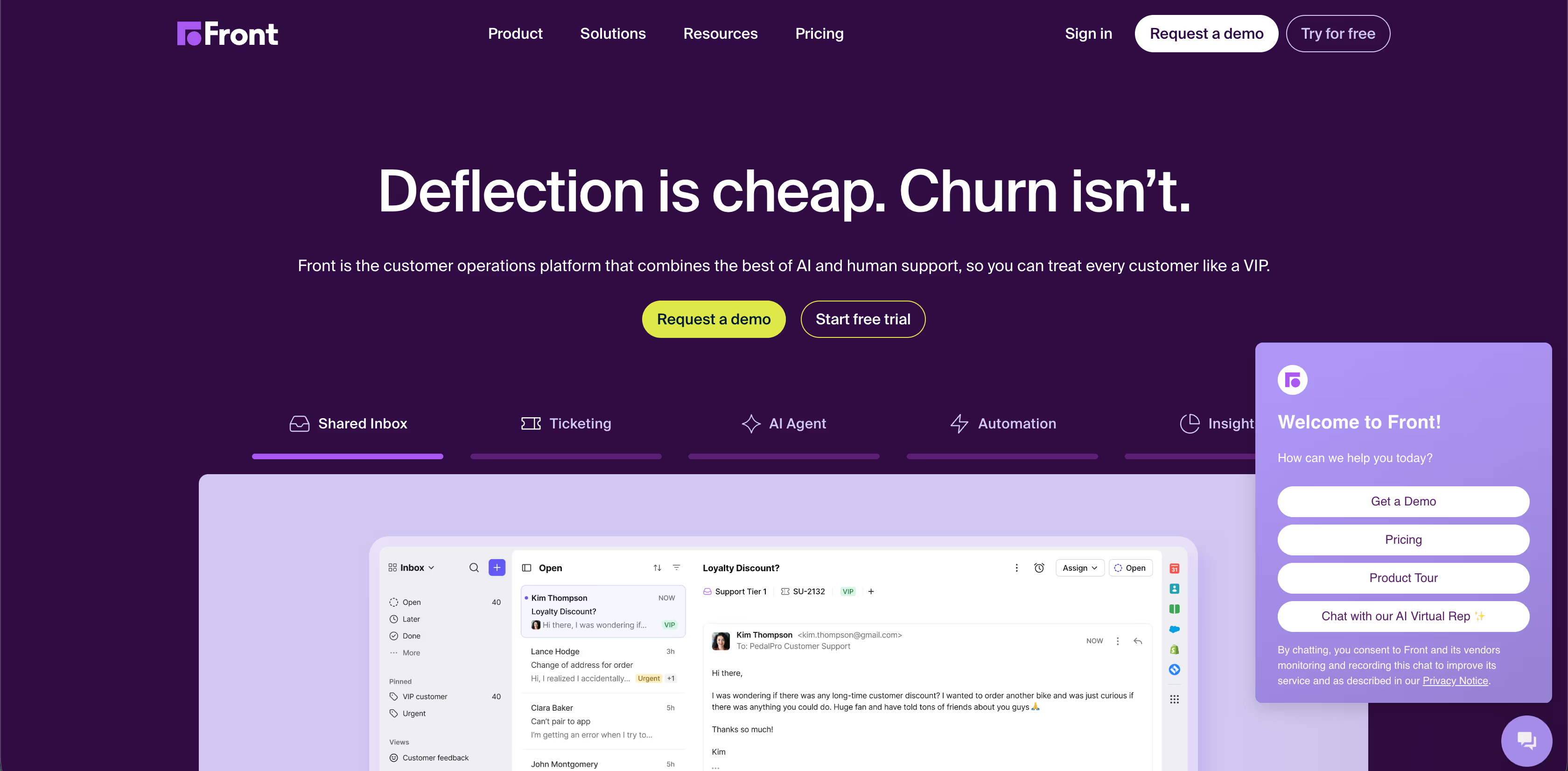
Front lets you build rules and workflows that automatically assign, route, and tag incoming messages based on conditions you set, so repetitive work doesn’t eat up your time. It also includes features for internal collaboration such as in-thread comments and shared drafts, live chat support, reporting on SLAs and team performance, and knowledge base tools that help customers find answers on their own.
Key Features
- Insights and performance tracking: Front has real-time service metrics, SLA tracking, and analytics that show what support performance looks like.
- Front AI: It lets you track customer contact reasons, automatically score the quality of the conversations, spot patterns and measure performance.
- Smart rules: Your rules automatically adjust based on real customer and team data, which saves hours of manual updates.
Pros
- Users say Front’s collaboration tools make teamwork clearer because you can comment and draft responses together instead of forwarding or CC’ing.
Cons
- Pricing can feel a bit high as you add seats and advanced features, especially if you want deeper workflows or add-ons.
Pricing
- There is a free trial.
- The starter plan will cost $25/seat/month, for up to 10 seats
Why Look For Freshdesk Alternatives
Freshdesk works quite well for many teams, especially when you’re starting out. But as your workflows get more connected and your volume grows, some limitations start to show. These are the areas people often notice when they start looking for something different:
AI That Works in Single Workflows
Freshdesk’s AI is designed around single workflows. Each agent handles one task at a time, without sharing context or coordinating with other processes. This makes automation feel fragmented. Instead of one connected system, you end up managing multiple isolated flows that do not speak to each other.
Reporting That Feels Shallow
The built-in reports cover the basics, like ticket counts and response times. But they don’t make it easy to see where tickets get stuck, what slows down resolution, or why customers keep coming back. Teams often spend extra time exporting data to dig deeper.
Setup and Integrations Take Effort
Freshdesk seems simple at first, but once you start customizing workflows and connecting other tools, it takes more work to maintain. Integrations sometimes need manual fixes, and even small changes can take longer than expected.
Platform Support Can Be Slow
Freshdesk is designed to help support teams, but for more complex issues, responses can take longer. Simple questions are usually quick, but workflow problems or integration questions may need extra follow-up, which can slow things down.
Questions to Ask Before Choosing a Helpdesk Alternative
Ask these question before you commit
- Can the system handle our workflows end to end?
You want to make sure the tool can manage the way your team actually works. If it only handles pieces of your process, you’ll spend time stitching things together.
- How flexible is the reporting?
Reports should help you see what’s really happening. If you can only get basic numbers, you might miss patterns or bottlenecks in your team’s work.
- Can it integrate easily with our other tools?
Your CRM, billing, and other apps should connect smoothly. If integrations are tricky, your team will spend more time on workarounds than on actual support.
- How easy is it for the team to use?
A tool is only useful if people can pick it up quickly. Long training or complex setups slow down adoption and frustrate the team.
- Can the platform support multiple workflows at once?
Some helpdesks work well for one workflow but struggle when you need several processes to run in parallel. Make sure the platform can handle the complexity you need.
- How fast is vendor support when something breaks?
Even the best tool can have issues. You need a team that responds quickly and understands your setup so downtime is minimal.
- How secure and reliable is the system?
Support data is sensitive. Make sure the platform keeps it safe and doesn’t go down often. Reliability matters more than fancy features.
- What will adoption actually look like?
It’s easy to get excited by features, but how will your team actually use it day to day? Look for a tool that fits naturally into their workflow, not something that changes everything overnight.
Which Freshdesk Alternative is Best for You?
Freshdesk works for many teams, but as you’ve seen, every help desk has its strengths and limits. Some tools shine in automation, some in reporting, and some in integrations. The key is finding the one that fits how your team actually works.
If you think about it…
- For teams that need smart workflows and automation across multiple steps, tools like Ayudo, Zoho Desk, and Intercom handle connected processes really well.
- For teams that rely heavily on reporting and insights, platforms like Zendesk, Gladly, and LiveAgent give more flexible dashboards and data views.
- For teams that want simple, fast setup and easy integrations, tools like HelpScout, Gorgias, Hiver, and Front make it quick to get started without a long learning curve.
At the end of the day, what you need depends on your team’s size, workflow complexity, and support style. It’s always a good idea to try the tools, play with them, or request a demo before you commit.
If you’re still unsure, maybe you should start with Ayudo. A quick chat can help you see if it matches your workflow. Who knows, it might just be the tool your support team has been waiting for all along.
Frequently Asked Questions
It really depends on what your team needs. Look at your workflows, support volume, channels, and reporting needs.
- If you need strong automation, tools like Ayudo or Zoho Desk might work best. If reporting and insights matter most, Zendesk or Gladly can help.
- For simple, fast setup with easy adoption, HelpScout, Gorgias, or Hiver are great choices.
The key is to match the tool to your daily workflow and not just features.
Yes! Most of the platforms on this list offer demos or free trials. This is the best way to see if the tool actually fits your team. A quick chat or trial can help you understand if it’s intuitive, if integrations work smoothly, and if your team will actually use it.
Start with your team’s workflow. Think about how tickets move, what channels you use, and how much reporting you need. You want a tool that supports the way your team already works, not one that forces you to change everything.



