Table of Contents
Buyer's Overview
The AI customer service agent market has split into fundamentally different approaches. Some platforms focus on autonomous resolution, aiming to handle inquiries without human involvement. Others provide copilot tools that enhance agent capabilities. A third category agentic AI platform deploys multiple specialized AI agents that collaborate across workflow stages, adapting their approach based on the specific customer need.
This isn't about choosing between AI and humans. It's about determining which tasks AI should handle independently, where it should assist human agents, and how to orchestrate both seamlessly.
Critical Decision:
Your choice of platform determines your support model for years. Autonomous-first platforms lock you into full automation. Copilot-only tools require human agents for every interaction. Agentic platforms offer flexibility but demand more sophisticated implementation. Match your platform architecture to your support complexity and customer expectations, not the other way around.
Understanding AI Customer Service Agent Types
Human-Centric AI Assistance (Copilot Approach)
AI acts as an intelligent assistant that enhances human agent capabilities rather than replacing them.
Core Capabilities:
- Real-time agent assist: Suggests responses, surfaces knowledge, and provides next-best-action recommendations during live conversations
- Conversation intelligence: Analyzes sentiment, detects intent, and flags issues for escalation
- Drafting and summarization: Automatically generates response drafts and summarizes long conversations
- Knowledge retrieval: Instantly finds relevant information from knowledge bases, past tickets, and documentation
- Quality assurance: Monitors conversation quality, compliance adherence, and coaching opportunities
Best For: Organizations with complex support needs requiring human judgment, regulated industries, and companies prioritizing personalized customer relationships
Hybrid Omnichannel Suites (AI + Human Workspace)
Platforms that blend traditional helpdesk functionality with powerful AI to automate many interactions while providing robust human agent workspaces.
Core Capabilities:
- Intelligent ticket routing: Automatically categorizes, prioritizes, and assigns tickets based on content, urgency, and agent expertise
- Automated responses: Handles routine inquiries independently while escalating complex issues to humans
- Unified agent workspace: Single interface managing all channels (email, chat, phone, social) with AI assistance
- Workflow automation: Orchestrates multi-step processes across systems based on ticket types and customer needs
- Omnichannel continuity: Maintains context as conversations move across channels
Best For: Mid-to-large support teams managing high volumes across multiple channels who want AI efficiency without abandoning human touch
AI-First Autonomous Agents (Full Automation)
Platforms built from the ground up to autonomously resolve as many customer issues as possible without human intervention.
Core Capabilities:
- Autonomous resolution: Independently handles end-to-end customer requests from inquiry to solution
- Action execution: Actually performs tasks that are internal or via external apps (password resets, order updates, account changes) rather than just providing instructions
- Continuous learning: Improves accuracy and capabilities through machine learning from every interaction
- Proactive engagement: Identifies potential issues and reaches out to customers before they contact support
- Self-service optimization: Dynamically improves self-service paths based on success patterns
Best For: High-volume, transactional support operations with well-defined processes, e-commerce businesses, and companies with straightforward support needs
Agentic AI Workflow Platforms (Next-Generation)
Advanced systems where multiple specialized AI agents collaborate across different workflow stages, combining automation with intelligent orchestration.
Core Capabilities:
- Multi-agent collaboration: Specialized AI agents for different tasks via different modalities that AI agents come with (voice, text, data retrieval, workflow execution), all working together
- Contextual handoffs: Seamless transitions between AI agents and between AI and human agents with full context preservation
- Adaptive workflows: AI-driven workflow optimization that learns and adapts based on outcomes
- Business system integration: Deep connections with CRM, order management, ERP, and other business systems for comprehensive action capability
- Proactive intelligence: Predictive analytics identify issues and trigger appropriate agent responses before customers experience problems
- Content optimization for AI discovery: Knowledge base content structured for SEO/GEO so LLMs like ChatGPT, Gemini, and Perplexity can accurately reference and cite your information
Best For: Forward-thinking organizations wanting cutting-edge AI capabilities with enterprise-grade workflows and extensive system integration requirements
Head-to-Head Comparison: Top AI Knowledge Base Platforms
Detailed Platform Analysis
Ayudo - Agentic AI Customer Support Agent Platform
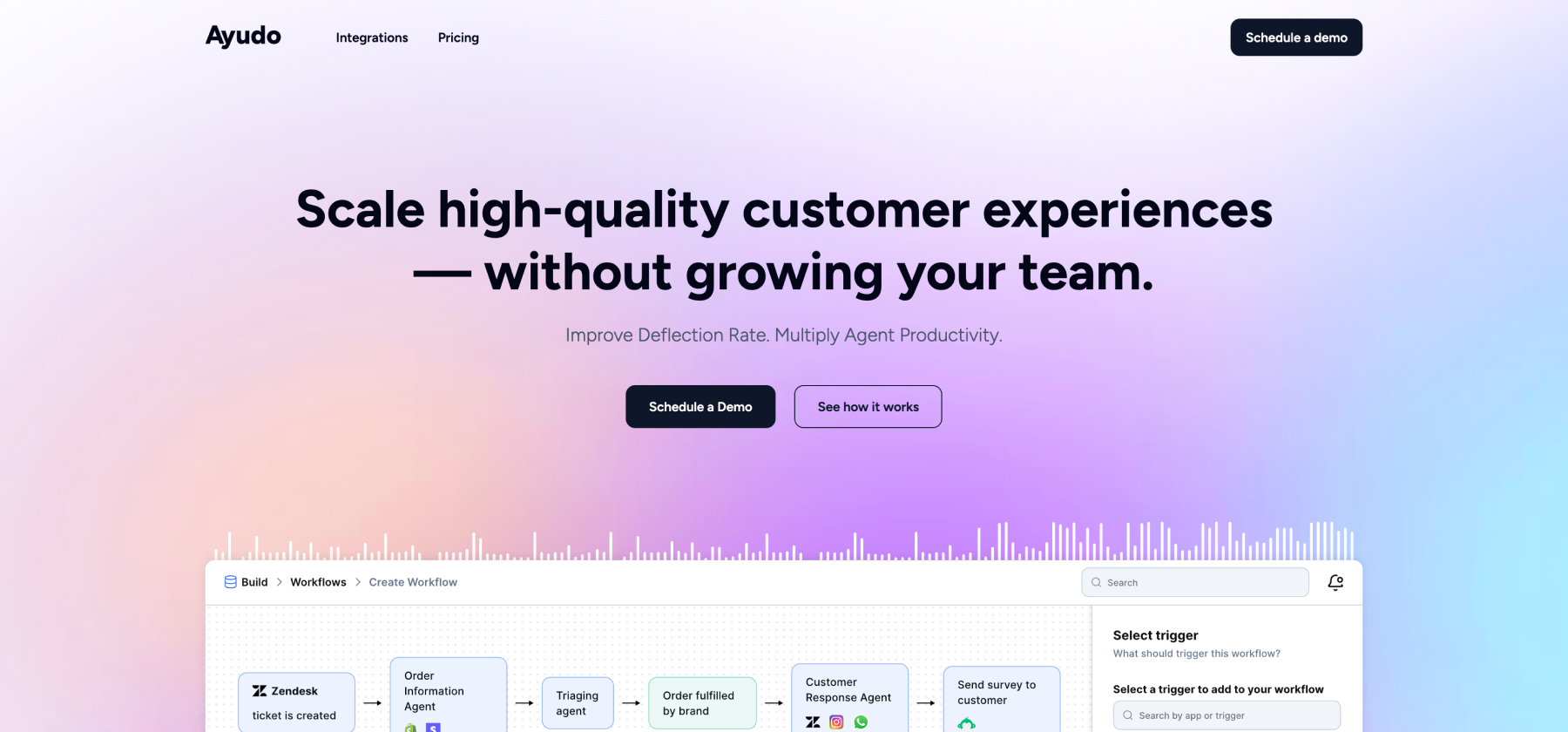
Best for: Organizations needing sophisticated AI workflows with rapid deployment
Strengths:
- Multi-AI agent collaboration: Specialized agents for voice, text, workflows, and data work together across conversation stages
- Launch in under 60 minutes: Trained AI workflows operational faster than any competitor
- Extensive integration ecosystem: 3000+ apps for comprehensive business system connectivity
- Proactive agent copilot: AI suggests actions and provides recommendations during live conversations
- Real-time knowledge sync: Automatically updates AI agents with latest knowledge from multiple sources
- Advanced analytics: Custom scenario-based insights, KB gap analysis, and quality management
- Inbound + outbound AI agents: Handle both customer inquiries and proactive outreach
- Voice copilot: Talk-to-type assistant for phone support agents
Unique Capabilities:
- Multi-AI agent orchestration across workflow stages (unique in market)
- Bring your own helpdesk (works with Zendesk, Freshdesk, Intercom, Salesforce, hubspot, etc.)
- Drag-and-drop workflow builder with no-code customization
- A/B testing for AI agent experiments before full deployment
Considerations:
- Newer platform with growing ecosystem
- Custom pricing model
What Makes It Different: Most platforms offer either autonomous AI OR agent assist. Ayudo uniquely provides both through its multi-agent architecture where specialized AI agents collaborate, some assist humans, others work autonomously all orchestrated based on the specific customer need.
Intercom Fin - Conversational AI Suite
Best for: Product-led SaaS companies prioritizing conversational support
Strengths:
- GPT-4 powered conversational AI with good natural language understanding
- Clean, modern messenger interface customers recognize
- Good in-app knowledge delivery for product onboarding
- Sentiment analysis for conversation quality monitoring
- Pay-per-resolution pricing option ($0.99/resolution)
Limitations:
- Text-only with beta no voice AI capabilities
- Limited workflow automation compared to dedicated platforms
- Expensive at scale ($39-$139/seat + resolution fees)
- Basic integration options outside Intercom ecosystem
- Manual knowledge base management
- No multi-AI agent collaboration
Pricing: Essential ($39/seat), Advanced ($99/seat), Expert ($139/seat) + Fin AI ($0.99/resolution)
Zendesk AI - Traditional Helpdesk + AI
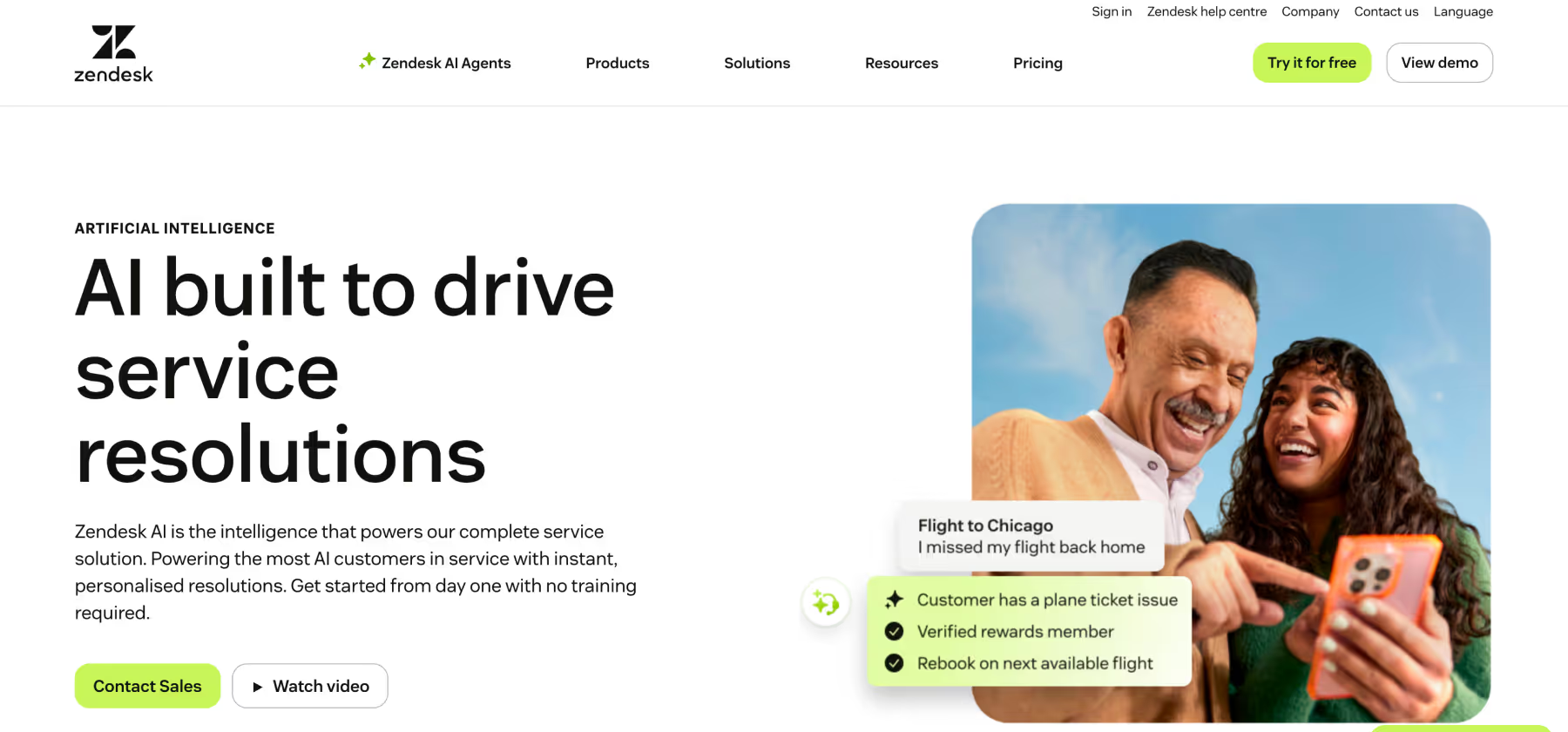
Best for: Large enterprises with existing Zendesk infrastructure
Strengths:
- Mature helpdesk platform with extensive features
- Good analytics and reporting capabilities
- Large app marketplace and ecosystem
- AI-powered content gap identification
- Generative AI for article creation
- Answer Bot for customer self-service
Limitations:
- Complex, lengthy implementation (weeks to months)
- AI features feel bolted-on to legacy platform
- No specialized AI agent system
- Higher total cost of ownership
- Steep learning curve for full platform
- Limited modern workflow automation
Pricing: Multiple tiers ($$$ range), volume-based pricing
Freshdesk Freddy AI - All-in-One CX Platform
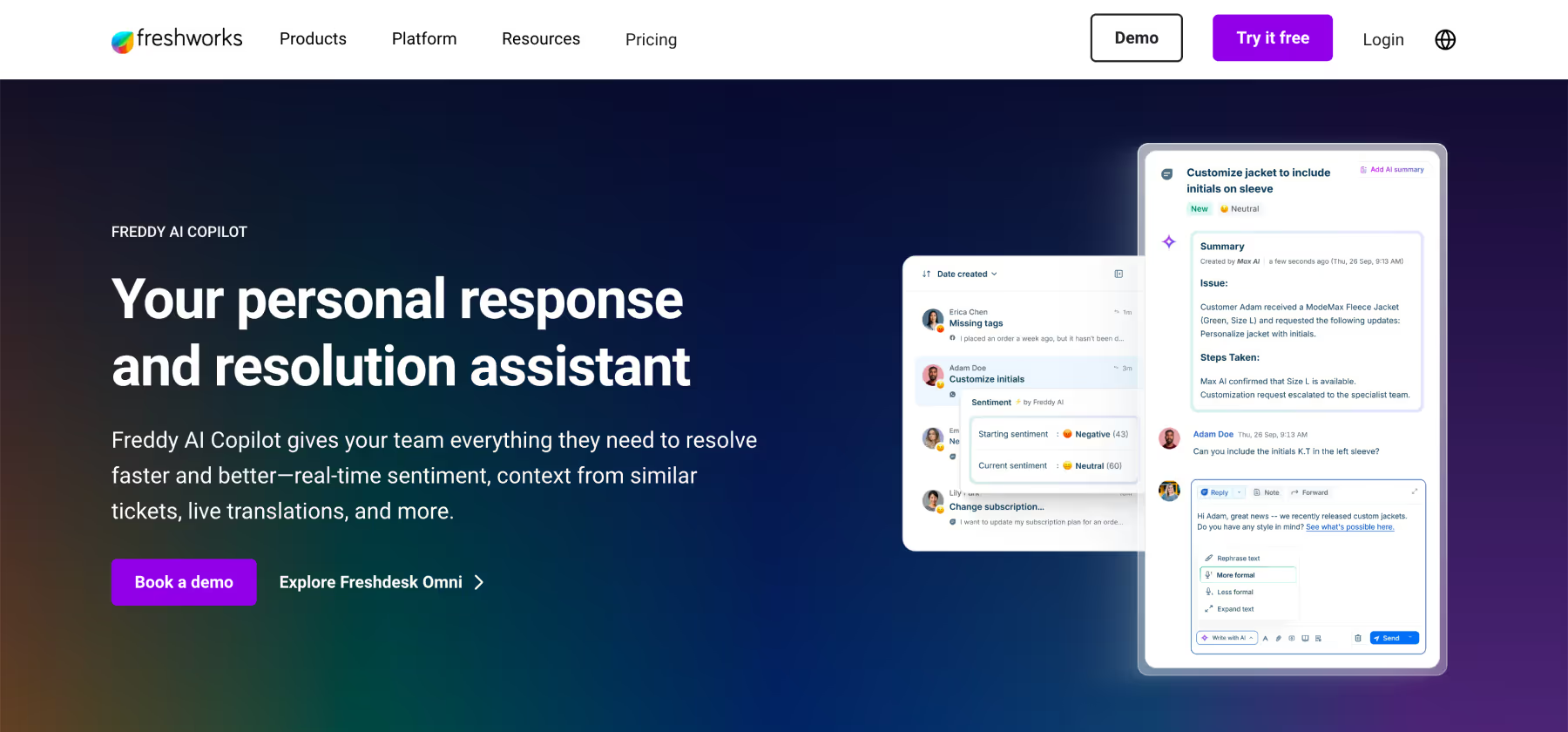
Best for: Growing teams wanting integrated AI at competitive pricing
Strengths:
- Intelligent ticket triaging and routing
- Affordable pricing compared to enterprise platforms
- Good multi-language support
- Freddy Copilot for agent assistance
- Intent detection and auto-responses
- Unified agent workspace across channels
Limitations:
- Basic AI capabilities compared to specialized platforms
- Limited autonomous action execution
- No multi-AI agent architecture
- Integration ecosystem smaller than competitors
- Setup still requires days of configuration
Pricing: Starts at $$ range, scales with features and volume
Salesforce Service Cloud with Einstein AI
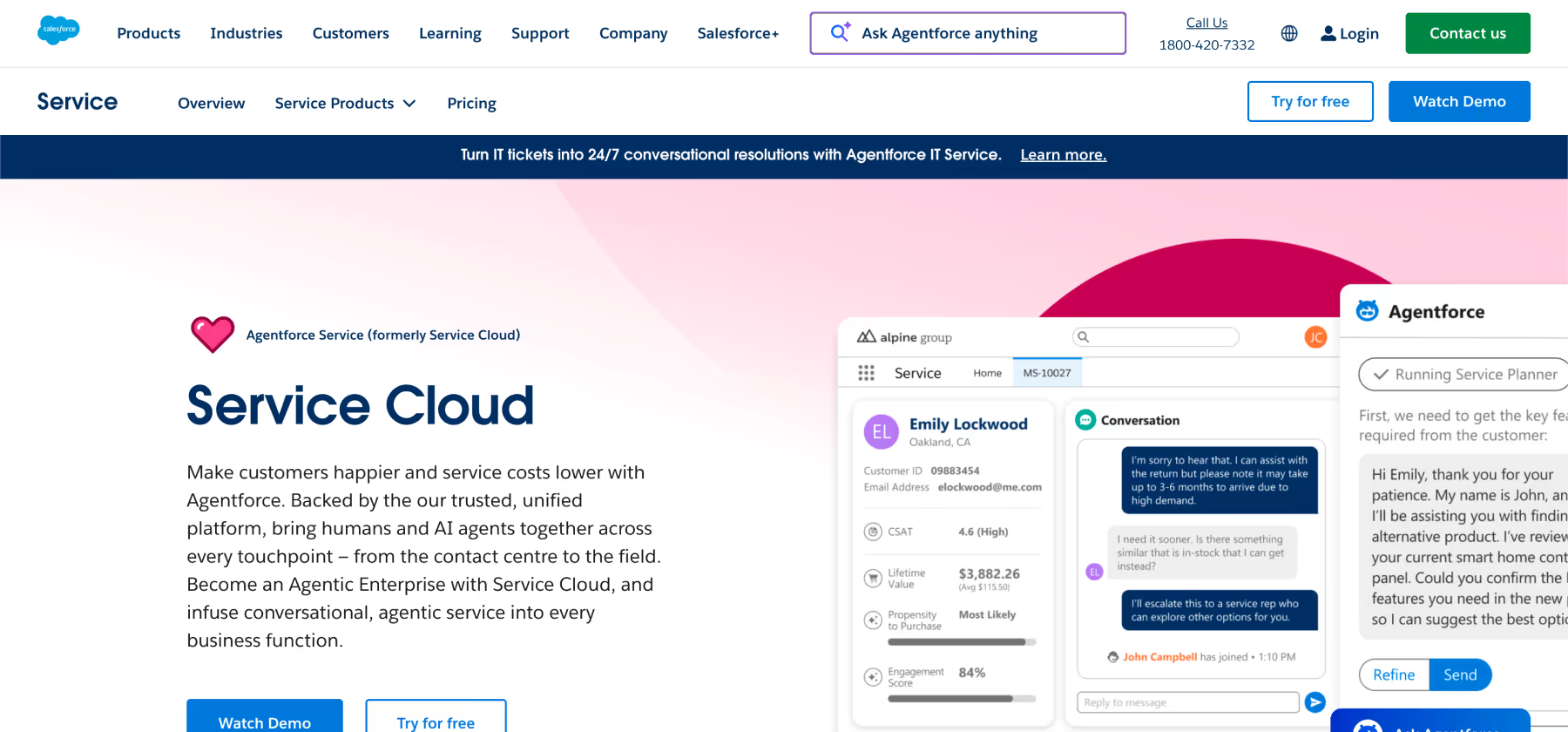
Best for: Enterprise Salesforce customers wanting unified CRM + service
Strengths:
- Deep CRM integration for complete customer view
- Einstein AI provides advanced predictive capabilities
- Extensive customization for enterprise needs
- Einstein Bots for conversational service
- Voice AI capabilities (Einstein Voice)
- Robust workflow and case management
Limitations:
- Extremely complex and expensive implementation (months, $$$$$)
- Requires Salesforce platform adoption
- Steep learning curve and heavy configuration needs
- No multi-AI agent collaboration
- Primarily benefits organizations already in Salesforce ecosystem
Pricing: Enterprise pricing ($$$$$ range), typically $150-300/user/month+
Decagon - AI-First Customer Service Automation
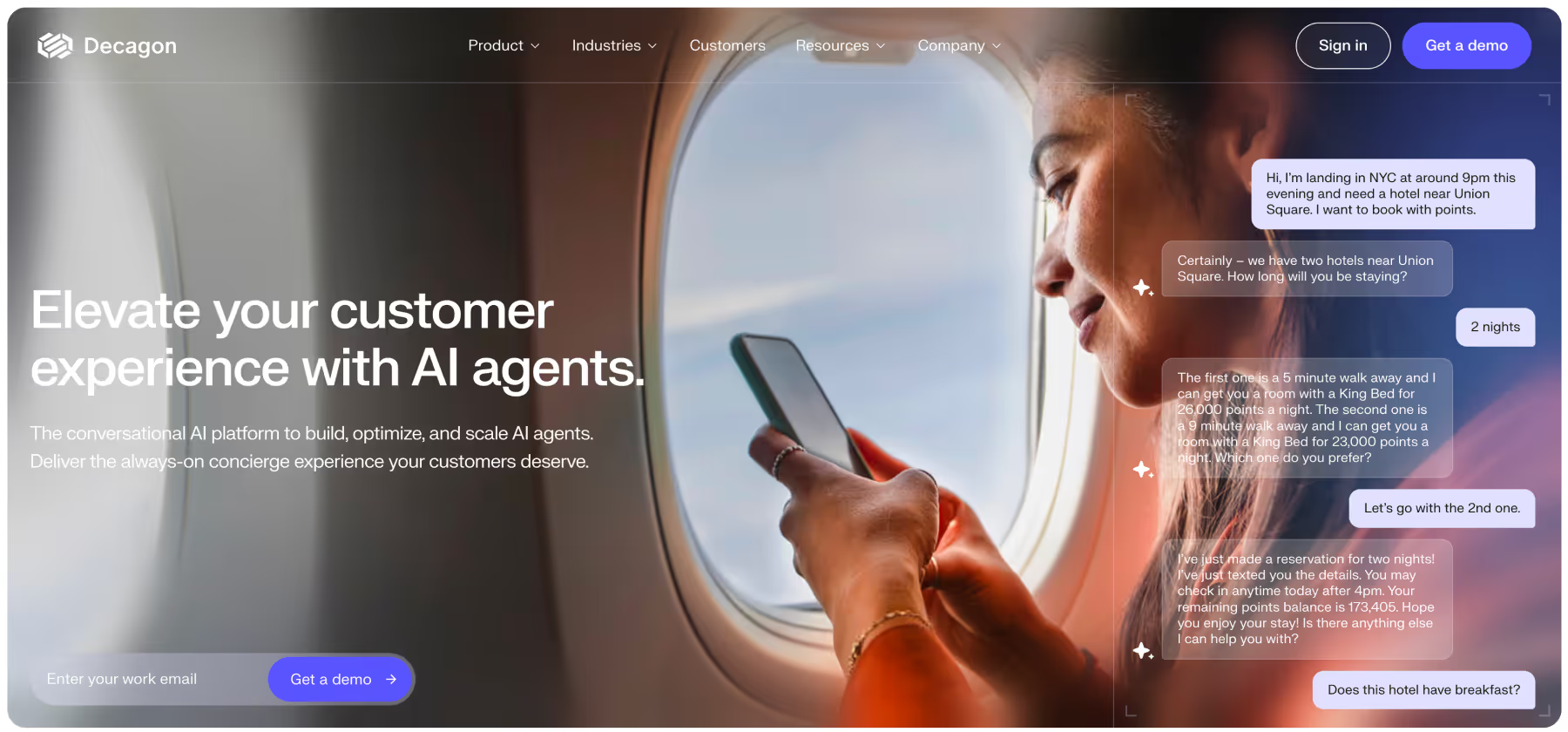
Best for: Companies wanting high levels of autonomous AI resolution
Strengths:
- Advanced conversational AI capabilities
- Strong autonomous resolution rates
- Good for high-volume, routine inquiries
- Minimal human intervention required
- Continuous learning and improvement
Limitations:
- Limited human-AI collaboration features (autonomous focus)
- Newer platform with fewer integrations
- May struggle with nuanced or complex edge cases
- Custom pricing and implementation
- Not ideal if you want strong agent copilot capabilities
Pricing: Custom enterprise pricing
Sierra - Conversational Commerce AI
Best for: E-commerce companies with sales-driven support needs
Strengths:
- Commerce-focused conversation flows
- Good product recommendation engine
- Integration with e-commerce platforms
- Voice and governance capabilities
- Autonomous agent platform
Limitations:
- Narrow focus on commerce use cases
- Limited general customer service features
- Complex enterprise implementation
- Typically requires $50K-$200K implementation services
- 3-6 month deployment timeline
Pricing: Custom, with significant professional services fees
Ada - Enterprise AI Customer Service Platform
Best for: Large enterprises prioritizing autonomous customer service
Strengths:
- GPT-4 powered agent with high resolution rates (claims 83%+)
- Voice and multilingual support
- Customer authentication and security features
- Proactive engagement capabilities
- No-code process building
Limitations:
- Focus on autonomous agents (limited human-AI collaboration)
- Custom enterprise pricing
- Complex implementation process
- Limited agent copilot features
- May require significant upfront investment
Pricing: Custom enterprise pricing
Forethought - AI-Powered Support Automation
Best for: Teams wanting ML-driven automation and agent assistance
Strengths:
- Solve (autonomous AI) for self-service
- Assist (agent copilot) for human support
- Discover (analytics) for insights
- Advanced ML capabilities
- Good integration options
Limitations:
- Text-only platform (no voice capabilities)
- Implementation requires days to weeks
- Limited workflow automation vs. specialized platforms
- Pricing in mid-high range
Pricing: $$$ range, custom enterprise pricing
Aisera - Enterprise AI Service Management
Best for: Large enterprises with IT service management and support needs
Strengths:
- Comprehensive AI across IT, HR, and customer service
- 150+ language support (20+ Indian languages)
- Workflow automation and sentiment analysis
- Email and application agents
- Multi-domain support
Limitations:
- Primarily enterprise-focused (complex for smaller teams)
- Higher cost structure
- Implementation complexity
- Limited customer case studies/reviews
- Risk of AI bias in training data is prevailing concern.
Pricing: Custom enterprise pricing
Talkdesk - AI-Powered Contact Center
Best for: Large contact centers prioritizing voice-based support
Strengths:
- Strong voice AI and IVR capabilities
- Contact center optimization features
- Agent assistance during calls
- Good analytics and quality management
- Enterprise-grade security
Limitations:
- Locked into Talkdesk ecosystem
- Expensive enterprise pricing
- Complex implementation and setup
- Limited outside contact center use cases
- Less effective for digital-first support
Pricing: Enterprise custom pricing
Key Use Cases for AI Customer Service Agents
High-Volume Transactional Support
Goal: Automate routine inquiries to reduce ticket volume and enable 24/7 service
Best Platform: Ayudo or Decagon
- Multi-AI agent system handles different query types simultaneously
- Autonomous resolution of common requests (password resets, order tracking, account updates)
- Intelligent escalation to humans for complex issues with full context
- Proactive engagement based on customer behavior patterns
Common Queries Automated:
- Order status and tracking
- Password and account resets
- FAQ and product information
- Appointment scheduling
- Basic troubleshooting
Success Metrics:
- Deflection rate improvement (Ayudo reports over 70%)
- 24/7 availability without staffing costs
- Reduced average handle time
- Maintained or improved customer satisfaction
Agent Productivity Enhancement
Goal: Empower human agents to handle more complex issues faster with AI assistance
Best Platform: Ayudo or Freshdesk
- Proactive copilot suggests responses and next actions during conversations
- Real-time knowledge retrieval from multiple sources
- Automated ticket summarization and classification
- Sentiment analysis and quality monitoring
- Voice-to-text assistance for phone support (Ayudo)
Agent Benefits:
- Faster resolution times (Ayudo reports 42% improvement)
- Reduced training time for new agents
- Consistent response quality
- Lower agent burnout and turnover
- Better first-contact resolution rates
Implementation Approach:
- Start with knowledge suggestion features
- Gradually add response drafting and automation
- Monitor agent adoption and satisfaction
- Refine based on agent feedback
Omnichannel Customer Experience
Goal: Provide seamless, consistent support across all customer touchpoints
Best Platform: Ayudo or Salesforce Service Cloud
- Unified inbox managing email, chat, social, phone, messaging apps
- Context preservation as conversations move across channels
- Consistent AI assistance regardless of channel
- Integrated customer data for personalized experiences
- Channel-specific optimization while maintaining consistency
Channel Coverage:
- Email and web chat
- WhatsApp, SMS, and messaging platforms
- Phone and voice support
- Social media (Twitter, Facebook, Instagram)
- In-app messaging
Business Value:
- Improved customer experience consistency
- Reduced channel switching friction
- Higher customer satisfaction scores
- Better agent efficiency across channels
E-Commerce Customer Support
Goal: Support purchase decisions, order management, and post-purchase service
Best Platform: Ayudo or Sierra
- Integration with e-commerce platforms and order management systems
- Real-time order tracking and status updates
- Automated return and exchange processing
- Product recommendations and cross-sell opportunities
- Proactive shipping delay notifications
Key Capabilities Needed:
- Order management system integration
- Payment processing connectivity
- Inventory system access
- Customer account management
- Abandoned cart recovery workflows
ROI Impact:
- Reduced cart abandonment through instant support
- Lower return processing costs
- Increased customer lifetime value
- Improved conversion rates
Enterprise Multi-Department Support
Goal: Unified AI support across customer service, IT, HR, and operations
Best Platform: Ayudo or Aisera
- Multi-department knowledge base management
- Role-based access and routing
- Department-specific workflow automation
- Unified analytics across all support functions
- Integration with enterprise systems (ERP, CRM, HRIS)
Department Coverage:
- Customer service and support
- IT helpdesk and service management
- HR employee services
- Finance and accounting inquiries
- Operations and logistics
Enterprise Benefits:
- Consistent support experience across departments
- Reduced operational costs organization-wide
- Improved employee and customer satisfaction
- Better resource allocation and utilization
Implementation Strategy
Pre-Implementation Assessment
Define Your AI Agent Philosophy Before selecting a platform, clarify your approach:
- Human-centric: AI assists agents, humans remain primary interface
- Hybrid: AI handles routine, humans handle complex, seamless handoffs
- AI-first: Maximum automation, human escalation as exception
- Agentic: Multiple specialized AI agents collaborate with selective human involvement
This decision shapes every subsequent choice from platform selection to metrics definition.
Capability Requirements Mapping
- Identify current support pain points and bottlenecks
- Map customer journey and support touchpoints
- Define must-have vs. nice-to-have capabilities
- Assess integration requirements with existing systems
- Determine channel coverage needs (voice, text, messaging, etc.)
Readiness Assessment
- Content audit: Is knowledge base comprehensive and current?
- Data quality: Is customer and conversation data clean and accessible?
- Technical infrastructure: Can systems support AI integration?
- Team readiness: Are agents prepared for AI collaboration?
- Process documentation: Are workflows clearly defined for AI training?
Deployment Phases
Phase 1: Foundation and Integration (Week 1-2)
- Configure AI agent platform and initial settings
- Integrate with existing helpdesk, CRM, and business systems
- Set up knowledge base connections and content sync
- Define escalation rules and handoff procedures
- Establish security, permissions, and compliance controls
Phase 2: AI Training and Configuration (Week 3-4)
- Train AI models with historical conversation data
- Configure conversation flows for priority use cases
- Set up automated responses and actions for common requests
- Implement agent copilot features and suggestions
- Test integrations and workflow automation
Phase 3: Pilot and Optimization (Week 5-6)
- Deploy to limited traffic or specific customer segment (10-20%)
- Monitor AI performance metrics continuously
- Gather feedback from customers and agents
- Refine conversation flows and escalation logic
- Address edge cases and improve accuracy
Phase 4: Full Deployment and Scaling (Week 7-8)
- Expand AI coverage to all customers and channels
- Implement advanced features (proactive engagement, predictive routing)
- Optimize performance based on volume data
- Train agents on AI collaboration best practices
- Establish ongoing maintenance and improvement procedures
Change Management
Agent Enablement
- Communicate AI as agent assistance, not replacement
- Provide hands-on training with AI features
- Create champions who can help peers adopt new tools
- Gather agent feedback and incorporate improvements
- Celebrate wins and share success stories
Customer Communication
- Be transparent about AI involvement in support
- Provide easy paths to human agents when needed
- Set appropriate expectations for AI capabilities
- Collect customer feedback on AI interactions
- Continuously improve based on customer input
Best Practices for AI Customer Service Agent Success
Balancing Automation and Human Touch
When to Use AI Agents:
- Routine, repetitive inquiries with clear solutions
- Information retrieval and knowledge base queries
- Simple transactional requests (password resets, order tracking)
- After-hours support for common questions
- Initial triage and routing of all inquiries
When to Escalate to Humans:
- Complex, nuanced problems requiring judgment
- Emotional or sensitive situations
- Unique edge cases not covered in training
- When customers explicitly request human support
Creating Seamless Handoffs:
- Preserve full conversation context during escalation
- Provide AI-generated summaries to human agents
- Enable agents to easily hand back to AI when appropriate
- Maintain consistent tone and branding across AI and human
- Track handoff reasons to improve AI training
Optimizing AI Performance
Continuous Learning and Improvement
- Monitor conversation success rates by topic and intent
- Analyze failed conversations to identify training gaps
- Use A/B testing to optimize conversation flows
- Incorporate customer feedback into AI refinement
- Update AI training with new products, policies, and processes
Content Optimization for AI Discovery
- Structure knowledge base content with clear, factual answers at the beginning
- Use semantic markup to help AI understand context and relationships
- Write in concise, parsable language that AI can easily quote
- Include FAQ sections with direct question-answer pairs
- Add structured data (JSON-LD, schema.org) for machine readability
- Optimize for GEO so LLMs like ChatGPT, Gemini, and Perplexity can accurately cite your content
- Create quotable, self-contained explanations that work when extracted by AI systems
Quality Assurance
- Implement automated quality checks for AI responses
- Regular human review of AI conversations
- Track accuracy, appropriateness, and brand alignment
- Monitor for AI bias or inappropriate responses
- Establish escalation procedures for quality issues
Integration Best Practices
System Integration Strategy
- Prioritize integrations that enable autonomous actions (CRM, order management, billing)
- Ensure real-time data sync for accurate information
- Build error handling for system downtime or integration failures
- Monitor integration performance and API call volumes
- Plan for scalability as AI agent usage grows
Data Security and Compliance
- Encrypt customer data in transit and at rest
- Implement role-based access controls for sensitive information
- Maintain compliance with GDPR, CCPA, HIPAA as applicable
- Create audit trails for all AI actions and decisions
- Regular security reviews and penetration testing
- Vendor compliance verification (SOC2, ISO certifications)
Measurement and Analytics
Key Performance Indicators
- Automation rate: Percentage of inquiries handled without human intervention
- Deflection/ Resolution rate: Percentage of AI conversations successfully resolved
- Escalation rate: How often AI hands off to humans and why
- Average handle time: Time to resolution for AI vs. human
- Customer satisfaction: CSAT scores for AI interactions
- Cost per resolution: Support costs with vs. without AI
- Agent productivity: Tickets handled per agent with AI assistance
Business Impact Metrics
- Support cost reduction (Ayudo reports 25% improvement)
- Response time improvement (Ayudo reports 42% faster resolution)
- Ticket volume deflection (Ayudo reports over 60% better deflection)
- Customer lifetime value impact
- Revenue protected through better service
- Agent satisfaction and retention
ROI Calculation Framework
Cost-Benefit Analysis
Annual AI Agent Costs:
- Platform licensing: $1,000-$25,000
- Implementation and setup: $1,000-$75,000
- Integration development: $5,000-$12,000
- Training and change management: $3,000-$8,000
- Ongoing maintenance: $500-$2,000/year
- Total First-Year Investment: $10,000-$132,000
Annual Benefits:
- Ticket deflection savings: (Deflected tickets × Cost per ticket) $40,000-$80,000
- Agent productivity gains: (Time saved × Agent hourly rate × Tickets) $25,000-$50,000
- Extended service hours: (After-hours inquiries × Cost to staff) $10,000-$20,000
- Quality improvements: (Reduced errors × Average error cost) $5,000-$15,000
- Total Annual Benefits: $80,000-$165,000
ROI = (Annual Benefits - Annual Costs) / Total Investment × 100
Year 1 ROI: ($122,500 - $71,000) / $71,000 × 100 = 72.5%
Year 2 ROI: ($122,500 - $24,000) / $71,000 × 100 = 138.7%
Example Calculation:
- Current monthly tickets: 15,000
- AI deflection rate: 40% (6,000 tickets)
- Average ticket cost: $12
- Monthly deflection savings: $72,000
- Agent productivity improvement: 30% (handle 4,500 more tickets)
- Additional monthly value: $54,000
- Total monthly value: $126,000
- Annual value: $1,512,000
- Platform + implementation: $150,000
- First-year ROI: 908%
Phased Value Realization
Months 1-3: Foundation Phase
- Initial automation of top 10 most common inquiries
- Basic agent copilot features deployed
- Expected value: 20-30% of full potential
- Focus: Learning, optimization, agent adoption
Months 4-6: Expansion Phase
- Expanded automation coverage to additional use cases
- Advanced workflow automation implemented
- Expected value: 50-70% of full potential
- Focus: Scaling successful patterns, addressing gaps
Months 7-12: Optimization Phase
- Full autonomous and assisted capabilities deployed
- Continuous learning optimizations applied
- Expected value: 80-100% of full potential
- Focus: Fine-tuning, advanced features, proactive engagement
Frequently Asked Questions
Platform Selection
Consider your support complexity and customer expectations. Autonomous AI works well for high-volume, transactional support with well-defined processes. AI-assisted (copilot) approaches are better for complex, nuanced support requiring human judgment. Hybrid platforms like Ayudo offer both, letting you apply the right approach to each situation.
Traditional chatbots provide text-based responses and follow predetermined flows. Modern AI agents understand intent, take actions across systems (password resets, order updates), learn continuously, and can execute end-to-end resolutions. AI agents are autonomous systems; chatbots are conversational interfaces.
Deployment timelines vary dramatically. Modern platforms like Ayudo can have AI agents operational in under 60 minutes. Traditional enterprise platforms (Salesforce, Zendesk) may require weeks to months. Autonomous-first platforms (Decagon, Ada) typically need weeks for proper training and testing.
Performance and Capabilities
Resolution rates vary by use case complexity and implementation quality. Well-implemented AI agents handle 40-80% of routine inquiries autonomously. For reference, Ayudo reports over 60% deflection rate improvements. The key is starting with clearly defined use cases and expanding gradually.
Yes, advanced platforms support voice AI. Ayudo offers specialized voice agents with natural language understanding and talk-to-type capabilities. However, voice AI is more complex than text and typically requires more sophisticated platforms and setup.
Quality AI agent platforms include intelligent escalation that recognizes when human intervention is needed. The best systems preserve full conversation context during handoffs, provide AI-generated summaries to agents, and learn from escalated cases to improve future performance.
Implementation and Integration
Critical integrations include your helpdesk/ticketing system, CRM for customer context, knowledge base for information retrieval, and key business systems (order management, billing, user accounts) that enable autonomous actions. Ayudo supports 3000+ app integrations for comprehensive connectivity.
Requirements vary by platform and use case. Generally, hundreds of historical conversations per common scenario provide good training. Platforms with pre-trained models (using GPT-4, etc.) require less custom training. The key is quality over quantity clean, accurately labeled data outperforms larger noisy datasets.
Modern platforms offer no-code interfaces for most management tasks. However, initial setup, complex integrations, and advanced customization may benefit from technical support. Look for platforms with strong implementation assistance and intuitive management interfaces.
ROI and Business Impact
ROI varies based on current support costs, implementation approach, and use case fit. Organizations typically see 200-900% first-year ROI through cost reduction, efficiency gains, and extended service capabilities. Ayudo reports 42% faster resolution, over 60% better deflection rates, and 25% lower cost per resolution for customers.
Well-implemented AI agents augment rather than replace human agents. They handle repetitive tasks, freeing humans for complex, high-value interactions. This typically improves job satisfaction, reduces burnout, and allows focus on meaningful customer relationships. Organizations often redeploy agents to specialized roles rather than reducing headcount.
Phased value realization is typical: 20-30% of potential in months 1-3 (foundation), 50-70% in months 4-6 (expansion), and 80-100% in months 7-12 (optimization). The key is continuous improvement rather than expecting immediate perfection.
Security and Compliance
Enterprise-grade platforms include encryption, role-based access controls, audit trails, and compliance certifications (SOC2, GDPR, HIPAA). However, security varies by vendor. Verify specific compliance requirements with vendors and review their security documentation. Ayudo offers enterprise-ready security from day one.
Yes, with proper security controls. AI agents can authenticate customers, access sensitive data with appropriate permissions, and maintain compliance with regulations. The key is choosing platforms with robust security features and configuring access controls properly.



