Table of Contents
Buyer's Overview
Support teams face a common breaking point: email becomes unmanageable, Slack threads spiral out of control, and customer inquiries fall through the cracks. Helpdesk software solves three core problems: accountability (who owns which ticket), measurement (how fast are we responding), and tracking (is the issue actually resolved, not just replied to).
The helpdesk market has evolved into distinct categories. Traditional platforms emphasize ticketing workflow and agent management. Conversational platforms blur the line between chat and helpdesk. Agentic AI platforms orchestrate multiple specialized agents across support workflows. Your choice determines not just which tool you use, but how your entire support operation functions.
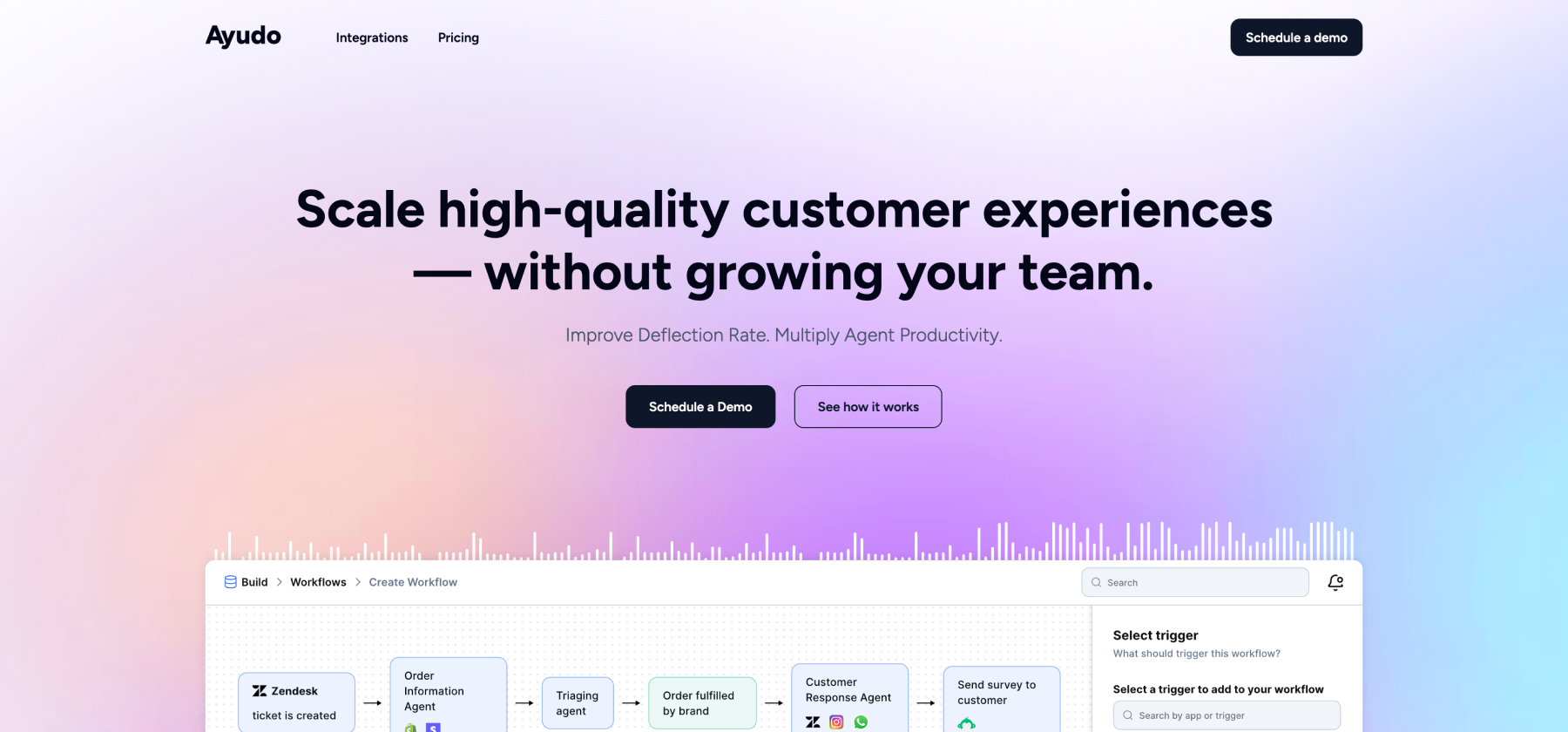
According to Ayudo's platform capabilities, their agentic AI customer support platform delivers:
- Unified conversation inbox managing all channels (email, WhatsApp, Slack, phone, Discord) in single AI-powered view
- Proactive copilot for support agents providing recommendations and actions
- Multi-AI agent collaboration handling different stages of support workflows
- Under 60 minutes to launch trained AI workflows
Critical Reality: Most teams start with email or Slack, hit scaling problems around 100-200 tickets per month, then rush to implement a helpdesk. This reactive approach often leads to choosing based on price rather than fit. The right helpdesk should match your support complexity, channel mix, and growth trajectory, not just your current pain point.
Understanding Helpdesk Types & Platforms
Traditional Ticketing Systems
Email-centric platforms focused on converting messages into tickets with workflow management and agent assignment.
Core Capabilities:
- Email-to-ticket conversion and routing
- Ticket assignment and status tracking
- Canned responses and macros
- Basic reporting and SLA management
- Knowledge base integration
Best For: Teams primarily handling email support with straightforward ticketing needs
Omnichannel Support Platforms
Unified inboxes managing multiple communication channels with consistent workflow across all touchpoints.
Core Capabilities:
- Multi-channel inbox (email, chat, social, messaging apps)
- Conversation threading across channels
- Context preservation as customers switch channels
- Agent collision detection
- Unified customer view
Best For: Teams managing customer conversations across email, chat, social media, and messaging platforms
Conversational Helpdesks
Platforms that blend helpdesk ticketing with conversational interfaces and in-app messaging.
Core Capabilities:
- Live chat and messaging as primary interface
- Automated chatbots for common queries
- In-app messaging and support widgets
- Conversation-first ticket management
- Product usage integration
Best For: SaaS and product companies prioritizing in-app support and conversational experiences
Agentic AI Helpdesk Platforms
Next-generation systems where multiple specialized AI agents collaborate across support workflows with intelligent orchestration.
Core Capabilities:
- Multi-AI agent system: Specialized agents for different tasks (voice, text, workflow execution, data retrieval) working together
- Intelligent routing and automation: AI-driven ticket classification, prioritization, and assignment
- Proactive agent assistance: Real-time copilot suggesting responses and next actions
- Workflow orchestration: 3000+ app integrations for complex business process automation
- Voice + text specialized agents: Specialized AI for different communication modes
- Knowledge optimization: Real-time sync, gap analysis, and content improvement
- Adaptive learning: Continuous improvement based on resolution outcomes
Best For: Organizations wanting cutting-edge AI capabilities with enterprise workflows and extensive system integration
Head-to-Head Comparison: Top AI Knowledge Base Platforms
Detailed Platform Analysis
Ayudo - Agentic AI Helpdesk Platform
Best for: Organizations needing sophisticated AI-powered omnichannel support
Strengths:
- Multi-channel unified inbox: Email, WhatsApp, Slack, Discord, Phone, and more in single AI-powered interface
- Launch in under 60 minutes: Fastest deployment among enterprise platforms
- Proactive agent copilot: AI provides real-time recommendations, suggested actions, and knowledge retrieval
- Multi-AI agent collaboration: Specialized agents for voice, text, workflows working together
- Voice copilot: Talk-to-type assistant for phone support agents and other agents too.
- Extensive integrations: 3000+ apps including CRMs, ERPs, order management systems
- Admin co-pilot: Ask and analyze any conversation for instant insights
- Real-time knowledge sync: Automatically updates from Google Drive, URLs, PDFs, Intercom, etc.
- Smart filters and sentiment analysis: Advanced conversation intelligence
- Bring your own helpdesk: Works with Zendesk, Freshdesk, Intercom, and others
Unique Capabilities:
- Respond within Ayudo (not just view tickets from other systems)
- Drag-and-drop workflow builder with 3000+ app actions
- Inbound + outbound AI agents for proactive support
- KB gap analysis to identify missing knowledge articles
- A/B testing for AI agent experiments
Considerations:
- Newer platform with growing ecosystem
- Custom pricing model with a good ROI
- May be more sophisticated than teams needing basic ticketing
What Makes It Different: Most helpdesks either bolt AI onto traditional ticketing or focus purely on chat. Ayudo's multi-AI agent architecture means specialized agents collaborate across the support workflow; some assist humans, others automate independently orchestrated based on specific needs.
Freshdesk - All-in-One Customer Support
Best for: Growing teams wanting comprehensive features at competitive pricing
Strengths:
- Comprehensive feature set at affordable price point
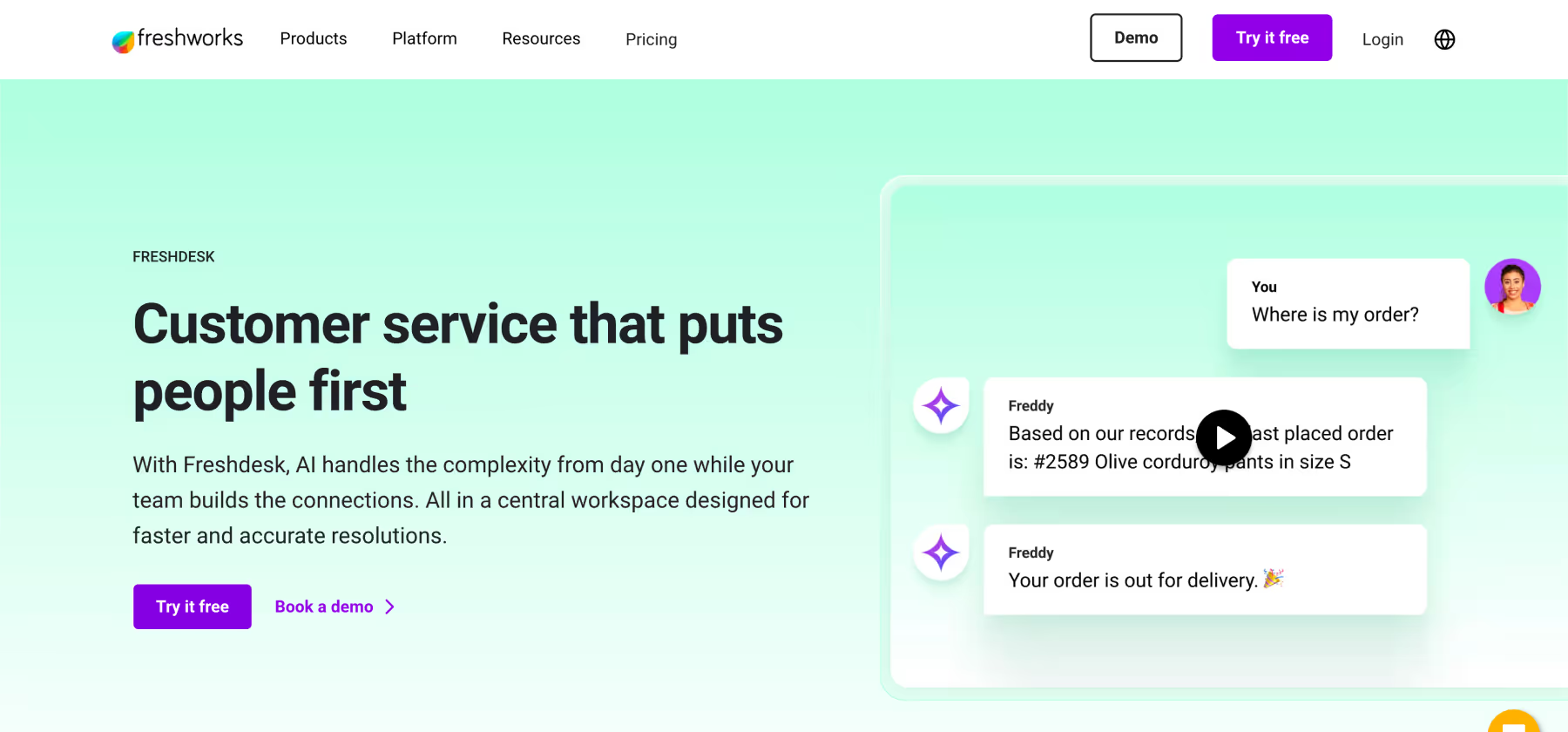
- Freddy AI for ticket routing and agent assistance
- Multi-channel support (email, chat, phone, social)
- Strong automation and workflow capabilities
- Good mobile app for agent flexibility
- Field service management add-on available
Limitations:
- AI capabilities basic compared to specialized platforms
- No multi-AI agent architecture
- Setup requires days of configuration
- Some advanced features locked to higher tiers
- Integration ecosystem smaller than market leaders
Pricing: Starts at $$ range (Free plan available with limitations). AI has additional cost.
Zendesk - Enterprise Helpdesk Platform
Best for: Large enterprises with existing Zendesk infrastructure
Strengths:
- Mature platform with extensive capabilities
- Large app marketplace and ecosystem
- Advanced reporting and analytics
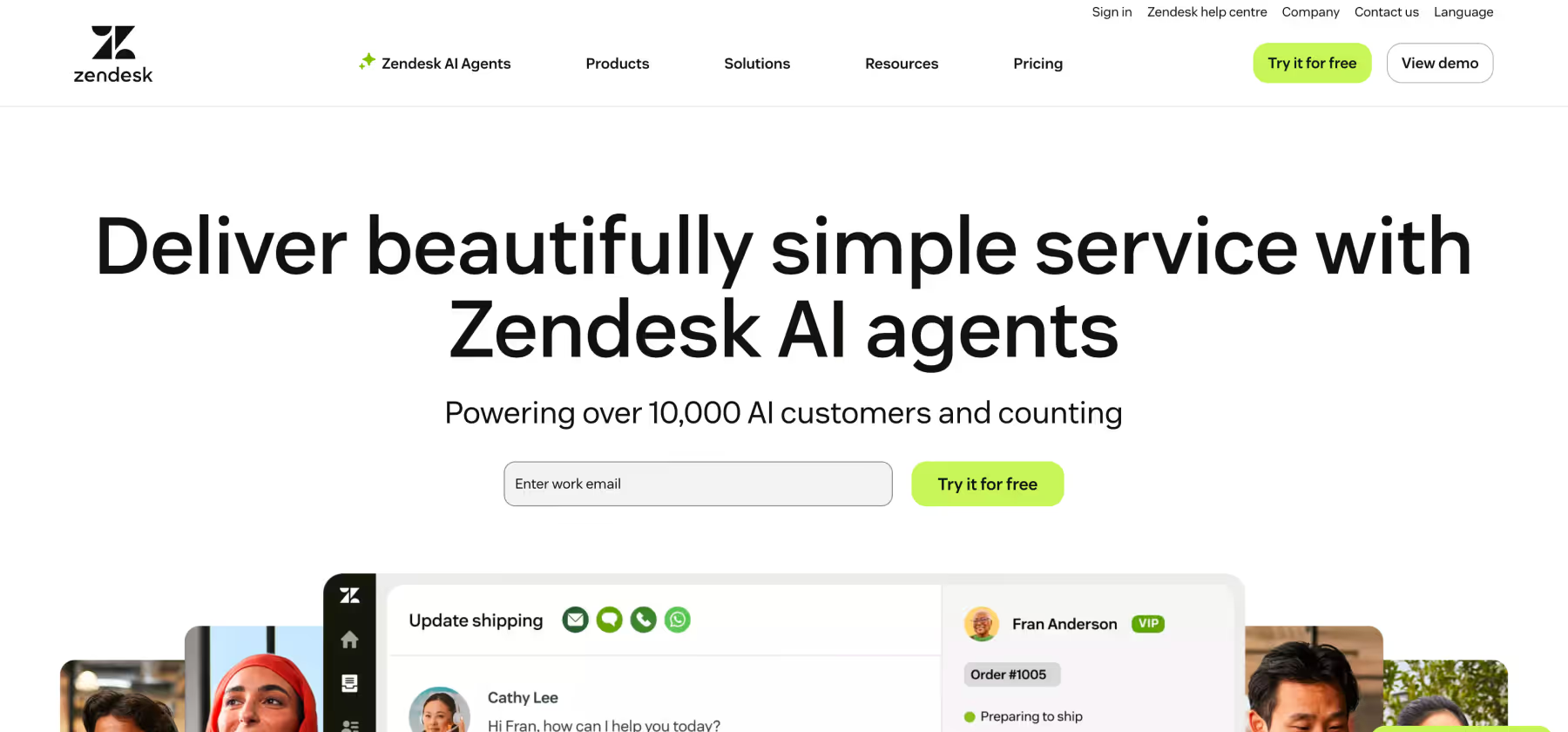
- Answer Bot and AI content generation
- Strong voice support capabilities
- Comprehensive ticketing workflow
Limitations:
- Complex implementation (weeks required)
- Expensive at scale ($$$ pricing)
- AI feels supplementary to core platform
- Steep learning curve for full capabilities
- High total cost of ownership
Pricing: $$$ range with multiple tiers
Zoho Desk - Affordable Multi-Channel Support
Best for: Small to mid-sized businesses seeking value
Strengths:
- Very affordable pricing ($ range)
- Good multi-channel capabilities
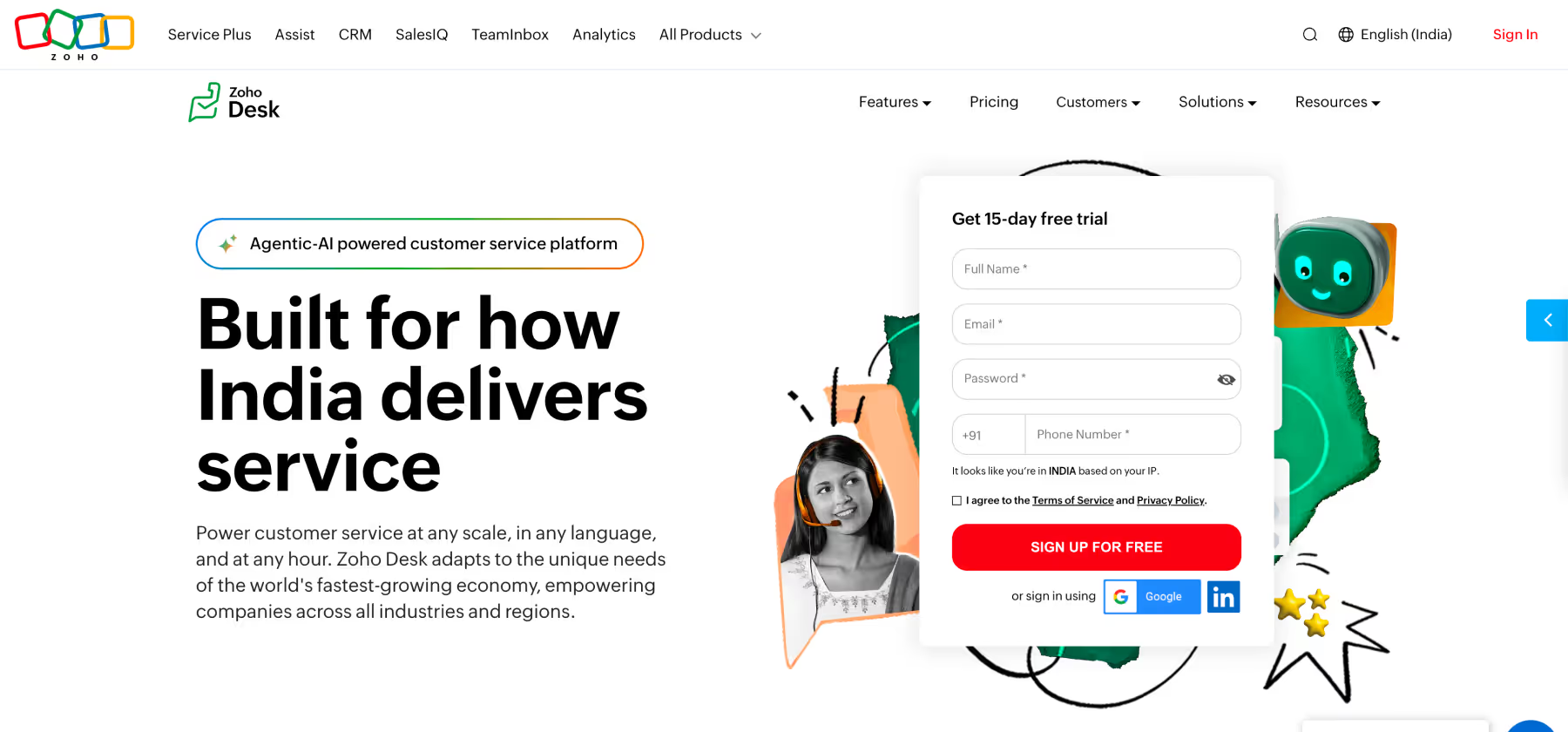
- Zia AI for basic automation
- Integration with Zoho ecosystem
- Customizable workflows
- Multi-brand support portal
Limitations:
- AI capabilities limited
- Less sophisticated than premium platforms
- Per-agent pricing adds up at scale
- Basic analytics and reporting
- Smaller integration ecosystem
Pricing: $ range, very competitive
HubSpot Service Hub - CRM-Integrated Support
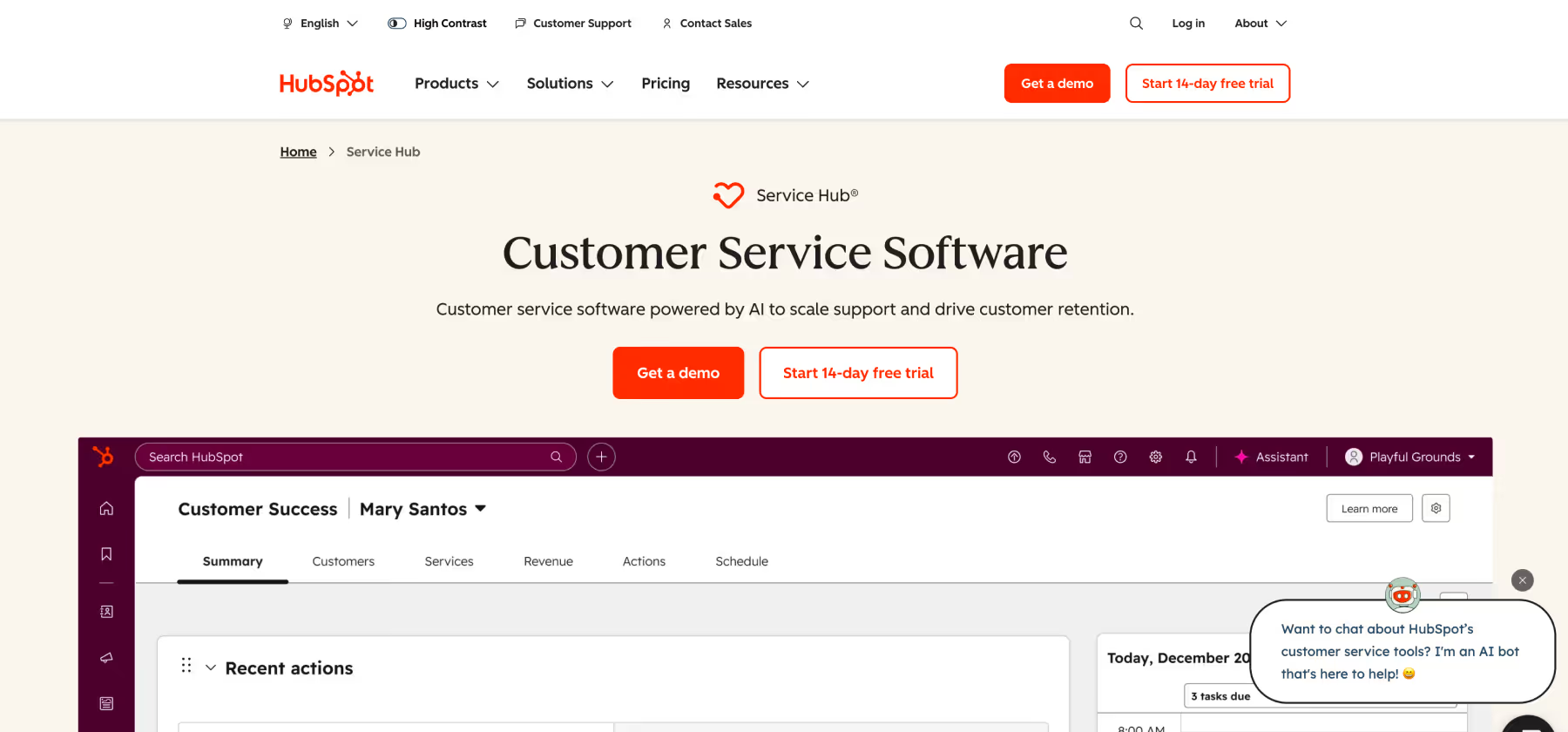
Best for: Companies already using HubSpot CRM
Strengths:
- Seamless CRM integration
- Unified customer view across sales and service
- Good conversation routing
- Free tier available
- Knowledge base and live chat included
- Ticket automation
Limitations:
- Best value only if using full HubSpot suite
- Basic AI capabilities
- Advanced features require expensive tiers
- Limited standalone helpdesk functionality
- HubSpot branding on free tier
Pricing: $$-$$$ depending on tier
Intercom - Conversational Support Platform
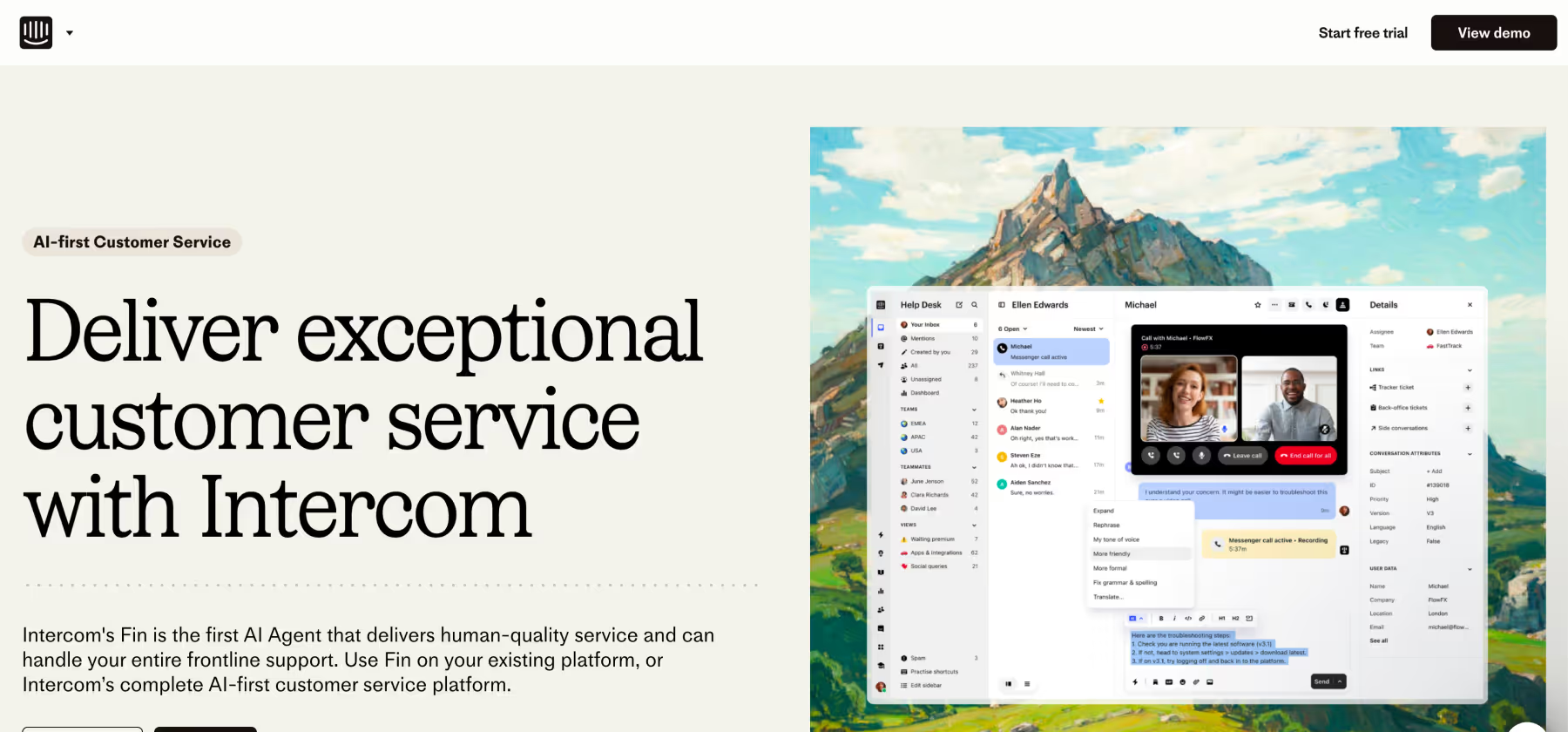
Best for: Product-led SaaS companies prioritizing in-app messaging
Strengths:
- Excellent in-app messaging and chat
- Fin AI for automated responses
- Product tours and onboarding
- Clean, modern interface
- Good for proactive messaging
Limitations:
- Expensive at scale ($$$$)
- Limited traditional ticketing features
- AI autonomous only (limited copilot)
- Basic integration options
- Email support feels secondary
Pricing: $$$$ range (expensive per-seat + resolution fees)
Help Scout - Email-Focused Helpdesk
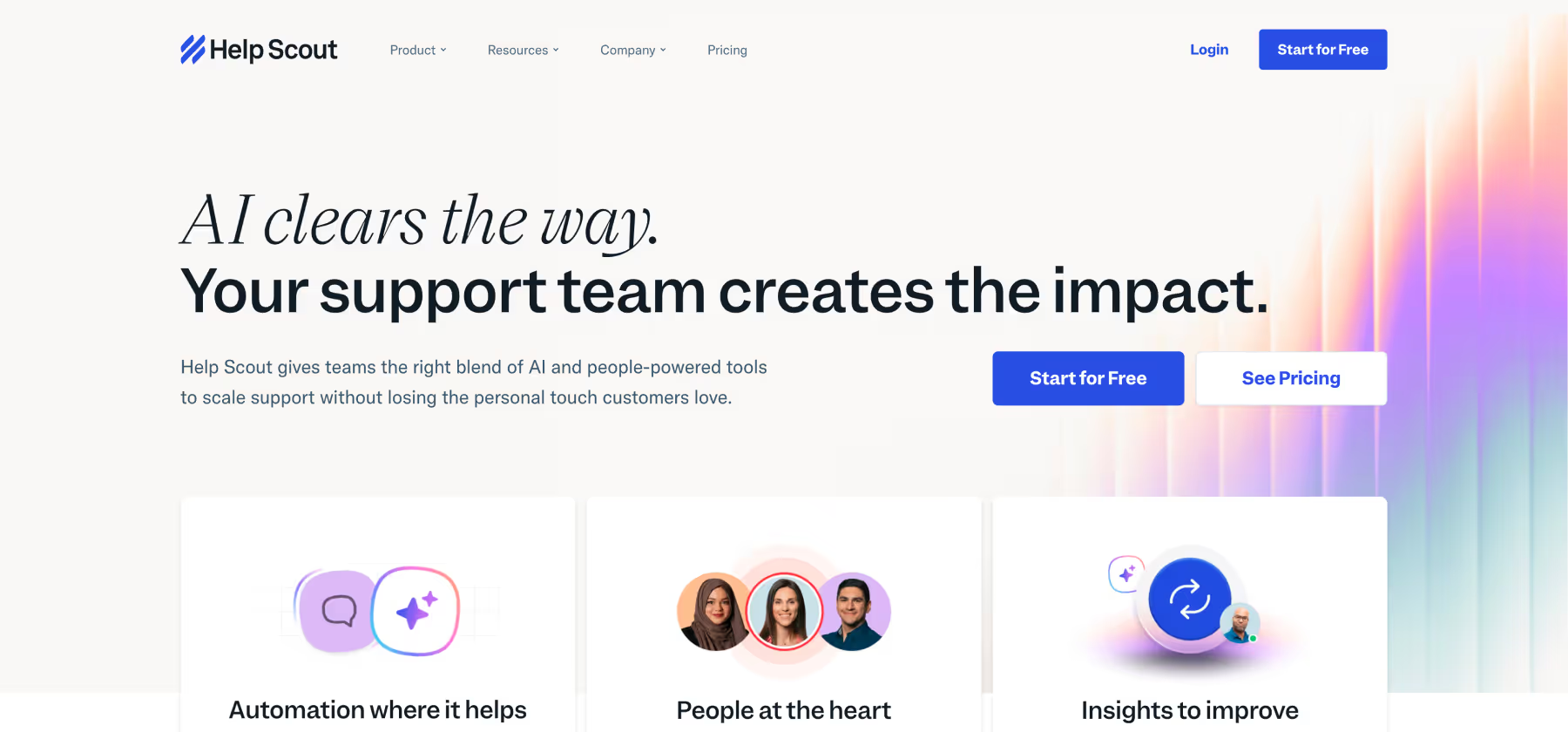
Best for: Small to mid-sized teams prioritizing email support
Strengths:
- Simple, email-like interface
- Easy to learn and adopt
- Affordable pricing ($$)
- Good knowledge base (Docs)
- Shared inbox collaboration
- No per-agent limits on some plans
Limitations:
- Email-centric (limited other channels)
- Basic AI capabilities
- Limited workflow automation
- Simple reporting
- Smaller feature set than enterprise platforms
Pricing: $$ range, straightforward
Tidio - Chat-First Support
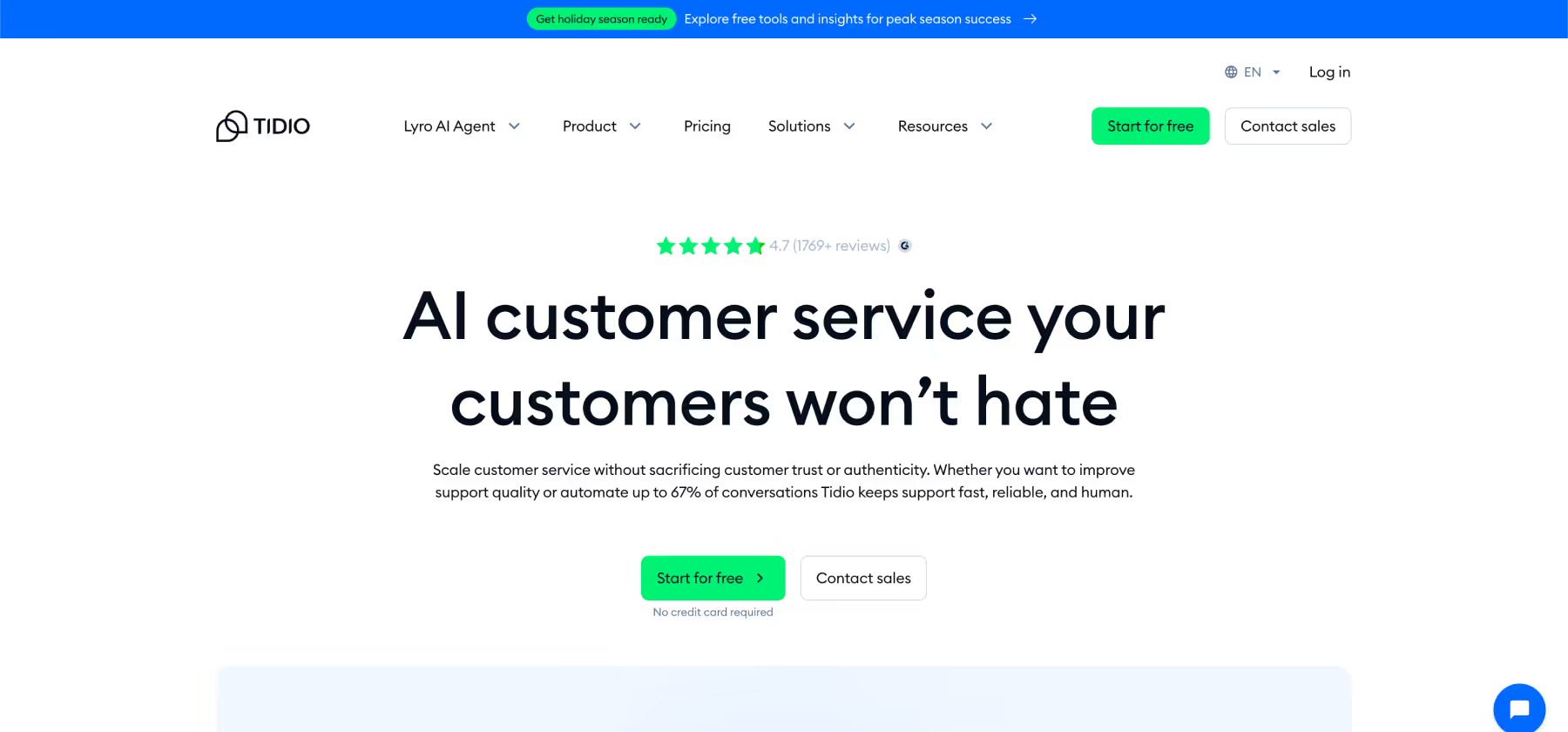
Best for: Small businesses prioritizing live chat
Strengths:
- Very affordable ($ range)
- Easy setup (hours)
- Live chat focused
- Basic chatbot builder
- Email integration
- Mobile app
Limitations:
- Chat-focused (limited omnichannel)
- No voice support
- Basic ticketing features
- Limited AI capabilities
- Not built for complex workflows
Pricing: $ range, free tier available
Aisera - Enterprise AI Service Management
Best for: Large enterprises with IT and multi-department support needs
Strengths:
- Comprehensive AI across departments
- 150+ language support
- Advanced workflow automation
- Multi-domain support (IT, HR, customer service)
- Sentiment analysis
Limitations:
- Enterprise-only (complex for smaller teams)
- Expensive custom pricing
- Long implementation timeline (weeks)
- Limited customer reviews
- Primarily IT service management focus
Pricing: Custom enterprise pricing
Forethought - AI-Powered Support Automation
Best for: Teams wanting AI automation with agent assistance
Strengths:
- Solve (autonomous AI) for automation
- Assist (agent copilot) for humans
- Discover (analytics) for insights
- Advanced ML capabilities
- Good integration options
Limitations:
- Text only (no voice)
- Implementation takes days to weeks
- Limited workflow automation vs specialized platforms
- Mid-high pricing range
Pricing: $$$ range
Talkdesk - AI-Powered Contact Center

Best for: Large contact centers prioritizing voice support
Strengths:
- Strong voice AI and IVR
- Contact center optimization
- Real-time agent assistance
- Quality management features
- Enterprise-grade security
Limitations:
- Voice-focused (digital channels secondary)
- Expensive enterprise pricing
- Complex implementation
- Locked into Talkdesk ecosystem
- Less effective for digital-first support
Pricing: Custom enterprise pricing
Key Use Cases for Helpdesk Software
Multi-Channel Customer Support
Goal: Manage customer conversations across all channels from unified interface
Best Platform: Ayudo or Freshdesk
- Unified inbox for email, chat, social, messaging apps, phone
- Context preservation as customers switch channels
- Consistent AI assistance regardless of channel
- Agent collision detection
- Channel-specific optimizations
Channel Coverage:
- Email and web forms
- Live chat and messaging (WhatsApp, Slack, Discord)
- Phone and voice support
- Social media (Twitter, Facebook, Instagram)
- In-app messaging
Success Metrics:
- Reduced channel switching friction
- Improved first-contact resolution
- Faster response times across all channels
- Higher customer satisfaction scores
Email-Centric Support Operations
Goal: Manage high email volumes with team collaboration and accountability
Best Platform: Ayudo, Help Scout, or Freshdesk
- Email-to-ticket conversion
- Shared inbox with assignment
- Canned responses and templates
- Collision detection
- Email threading and history
Key Features Needed:
- Clear ticket ownership and status
- SLA tracking and alerts
- Team collaboration on tickets
- Customer conversation history
- Email automation and rules
Business Value:
- Clear accountability for every inquiry
- No dropped customer emails
- Faster response times
- Team collaboration without confusion
SaaS Product Support
Goal: Provide in-app support integrated with product usage
Best Platform: Ayudo, Intercom, or HubSpot Service Hub
- In-app messaging and support widgets
- Product usage context in tickets
- Proactive messaging based on behavior
- Knowledge base integration
- Customer lifecycle tracking
Integration Needs:
- Product analytics platforms
- User databases
- Feature usage tracking
- CRM for customer context
ROI Impact:
- Reduced time-to-value for new users
- Lower churn through better support
- Proactive issue identification
- Improved product adoption
E-Commerce Customer Service
Goal: Support purchase decisions, orders, and post-purchase issues
Best Platform: Ayudo or Freshdesk
- Order management integration
- Real-time order tracking
- Return and exchange workflows
- Shipping and delivery updates
- Payment issue resolution
Critical Capabilities:
- E-commerce platform integration (Shopify, Magento, WooCommerce)
- Order data in ticket context
- Automated order status updates
- Return authorization workflows
- Customer purchase history
Success Factors:
- Faster order inquiry resolution
- Reduced return processing time
- Improved customer lifetime value
- Lower cart abandonment
Enterprise Multi-Department Support
Goal: Unified support platform across customer service, IT, HR, and operations
Best Platform: Ayudo or Aisera
- Department-specific workflows
- Role-based access and routing
- Multi-brand support portals
- Enterprise integrations
- Unified reporting across departments
Department Coverage:
- Customer support
- IT helpdesk
- HR employee services
- Facilities and operations
- Finance and accounting
Enterprise Benefits:
- Consistent support experience
- Reduced operational costs
- Better resource allocation
- Improved employee and customer satisfaction
Implementation Strategy
Pre-Implementation Planning
Requirements Assessment
- Map current support channels and volumes
- Identify pain points with existing processes (email, Slack, etc.)
- Define must-have vs. nice-to-have capabilities
- Assess integration needs with business systems
- Determine budget and timeline constraints
Team Readiness
- Identify stakeholders and decision makers
- Define roles and responsibilities
- Plan training approach for agents
- Establish success metrics and KPIs
- Create change management communication plan
Data and Content Preparation
- Audit existing customer communication history
- Organize knowledge base content
- Define ticket categories and tags
- Establish SLA requirements
- Prepare customer contact data for migration
Deployment Phases
Phase 1: Setup and Configuration (Week 1-2)
- Configure helpdesk settings and preferences
- Set up team structure, roles, and permissions
- Create ticket workflows and routing rules
- Integrate with email and primary channels
- Configure knowledge base and canned responses
Phase 2: Integration and Testing (Week 3-4)
- Connect business systems (CRM, order management, etc.)
- Set up additional communication channels
- Configure automation rules and triggers
- Test workflows with internal team
- Train agents on platform basics
Phase 3: Pilot Launch (Week 5-6)
- Deploy to limited traffic (10-20% of volume)
- Monitor performance and agent feedback
- Refine workflows and automation
- Address technical issues
- Optimize based on real usage
Phase 4: Full Deployment (Week 7-8)
- Expand to all customer inquiries
- Implement advanced features
- Optimize performance based on data
- Establish ongoing maintenance procedures
- Create continuous improvement process
Change Management
Agent Enablement
- Provide hands-on training with real scenarios
- Create documentation and quick-reference guides
- Identify champions to support peers
- Establish feedback channels
- Celebrate early wins
Customer Communication
- Notify customers of new support channels
- Update website and communication materials
- Set appropriate response time expectations
- Provide self-service guidance
- Gather customer feedback
Best Practices for Helpdesk Success
Ticket Management
Effective Categorization
- Use clear, consistent ticket categories
- Tag tickets for easy filtering and reporting
- Prioritize based on impact and urgency
- Assign to appropriate team or agent
- Track status through resolution
SLA Management
- Define realistic response and resolution SLAs
- Set up automated alerts for SLA breaches
- Monitor SLA compliance metrics
- Adjust SLAs based on ticket type
- Report on SLA performance
Quality Standards
- Establish response quality guidelines
- Use templates for consistency
- Review tickets for quality regularly
- Provide coaching based on performance
- Recognize excellent support examples
Automation Best Practices
Strategic Automation
- Automate repetitive, high-volume tasks first
- Use canned responses for common questions
- Set up auto-assignment rules based on skills
- Implement ticket routing based on keywords
- Create automated follow-up sequences
Balance Automation and Human Touch
- Don't over-automate at expense of personalization
- Provide easy escalation paths
- Monitor automation effectiveness
- Adjust based on customer feedback
- Keep human agents in the loop for complex issues
Knowledge Base Optimization
Content Creation and Organization
- Write articles for common customer questions
- Use clear, simple language
- Include screenshots and examples
- Organize by category and user journey
- Keep articles concise and focused
Content Optimization for AI Discovery
- Structure content with clear answers at the beginning
- Use semantic markup for AI understanding
- Write in parsable language AI can quote
- Include FAQ sections with direct Q&A pairs
- Add structured data (JSON-LD, schema.org)
- Optimize for GEO so LLMs like ChatGPT, Gemini, and Perplexity can cite your content
- Create quotable explanations that work when extracted
Maintenance and Updates
- Review content regularly (monthly or quarterly)
- Update articles when products or policies change
- Archive outdated content
- Monitor search queries for gaps
- Track article performance and ratings
Reporting and Analytics
Key Metrics to Track
- First response time
- Average resolution time
- Ticket volume by channel and category
- Customer satisfaction scores (CSAT)
- SLA compliance rates
- Agent productivity metrics
- Self-service success rates
Using Data for Improvement
- Identify common issues for knowledge base expansion
- Optimize staffing based on volume patterns
- Recognize top-performing agents
- Address process bottlenecks
- Demonstrate ROI to stakeholders
ROI Calculation Framework
Cost-Benefit Analysis
Annual Helpdesk Costs:
- Platform licensing: $5,000-$30,000
- Implementation and setup: $3,000-$15,000
- Integrations: $2,000-$8,000
- Training: $1,500-$3,000
- Ongoing maintenance: $1,000-$5,000/year
- Total First-Year Investment: $12,500-$61,000
Annual Benefits:
- Resolution time improvements: (Faster resolution × Agent hourly rate) $30,000-$60,000
- Agent productivity gains: (Manual work reduction × Tickets) $20,000-$40,000
- Automation cost savings: (Automated tickets × Cost per ticket) $15,000-$35,000
- Reduced errors and rework: (Error elimination × Cost per error) $5,000-$12,000
- Total Annual Benefits: $70,000-$147,000
ROI = (Annual Benefits - Annual Costs) / Total Investment × 100
Year 1 ROI: ($108,500 - $36,750) / $36,750 × 100 = 195%
Year 2 ROI: ($108,500 - $3,000) / $36,750 × 100 = 285%
Example Calculation:
- Current monthly tickets: 5,000
- Time saved per ticket with helpdesk: 3 minutes
- Monthly time savings: 250 hours
- Agent hourly rate: $30
- Monthly value from efficiency: $7,500
- Additional tickets handled: 20% increase (1,000 more)
- Value of additional capacity: $10,000
- Total monthly value: $17,500
- Annual value: $210,000
- Platform + implementation: $30,000
- First-year ROI: 600%
Value Realization Timeline
Months 1-2: Foundation
- Basic ticketing and organization
- Reduced dropped tickets
- Expected value: 20-30% of potential
- Focus: Setup, training, adoption
Months 3-6: Optimization
- Automation and workflows active
- Knowledge base populated
- Expected value: 50-70% of potential
- Focus: Process refinement, scaling
Months 7-12: Maturity
- Full automation and integration
- Self-service deflection working
- Expected value: 80-100% of potential
- Focus: Advanced features, continuous improvement
Frequently Asked Questions
Platform Selection
Traditional helpdesks work well for straightforward email ticketing with defined workflows. AI-powered platforms (like Ayudo) add proactive agent assistance, intelligent automation, and multi-channel orchestration. Choose based on your support complexity: basic inquiries suit traditional systems, while complex multi-channel support benefits from AI capabilities.
Helpdesk software focuses on ticket management, agent workflows, and support operations. Customer service platforms are broader, including CRM, sales integration, and customer lifecycle management. Some modern platforms (like Ayudo) blur this line by combining helpdesk ticketing with AI agents and workflow automation.
Most teams hit breaking points around 100-200 tickets per month or 3-5 support agents. If you're losing track of inquiries, lacking accountability, or unable to measure performance, you need helpdesk software regardless of team size.
Implementation
Timeline varies dramatically. Basic platforms (Help Scout, Tidio) can deploy in hours. Traditional enterprise systems (Zendesk, Freshdesk) require days to weeks. Modern AI platforms like Ayudo can launch in under 60 minutes but may take weeks to optimize fully.
Yes, most platforms support data migration including ticket history, customer information, and knowledge base content. Migration complexity depends on data volume and current system. Plan for 1-2 weeks for migration and testing during implementation.
Basic helpdesks require minimal technical knowledge for day-to-day management. However, complex integrations, custom workflows, and advanced automation may benefit from technical support during setup. Modern platforms offer no-code interfaces for most common tasks.
Features and Capabilities
Canned responses are pre-written templates agents manually select and customize. These are drafted by human agents themselves. AI-generated responses use machine learning to draft contextual replies based on the specific inquiry and conversation history. AI responses are more personalized but require quality knowledge base content.
Critical for both agent efficiency and customer self-service. Well-integrated knowledge bases enable agents to find answers quickly and allow customers to resolve issues independently. Platforms with automated knowledge sync (like Ayudo) keep content current with less manual effort.
Yes, many platforms support voice (Ayudo, Zendesk, Talkdesk, Freshdesk). Voice capabilities range from basic call logging to advanced features like IVR, call routing, recording, and AI-powered voice agents. Evaluate based on your phone support volume and requirements.
ROI and Business Impact
Organizations typically see 400-800% first-year ROI through improved efficiency, reduced response times, better accountability, and self-service deflection. Specific ROI depends on current support costs, ticket volume, and implementation quality.
Cost reduction comes from multiple sources: agent productivity improvements (handle more tickets in less time), self-service deflection (fewer tickets requiring agent time), automation of routine tasks, reduced training time for new agents, and better resource allocation through analytics.
Basic benefits (organization, accountability, tracking) appear immediately upon deployment. Efficiency gains materialize within 1-2 months as agents become proficient. Full value realization (automation, self-service, optimization) typically takes 3-6 months.
Multi-Channel Support
Depends on how your customers want to communicate. If customers reach out via chat, social media, or messaging apps, omnichannel support is essential. Email-only helpdesks work for businesses where email is the dominant channel. However, customer expectations increasingly favor multi-channel options.
Multi-channel ticketing converts different channels into tickets but treats each separately. Unified inboxes (like Ayudo's) preserve conversation context as customers switch channels, showing email, chat, and phone interactions as one threaded conversation. This provides better customer context.
Security and Compliance
Enterprise-grade helpdesks include encryption, access controls, audit trails, and compliance certifications (SOC2, GDPR, HIPAA). Verify specific security features and certifications with vendors based on your industry requirements.
Yes, most platforms support role-based access control, team-based routing, and permission structures. This ensures agents only see tickets relevant to their role, department, or expertise level.
Ready to implement helpdesk software that actually works?
The right platform eliminates dropped inquiries, improves accountability, and scales with your business. Focus on matching the platform's architecture to your support complexity and channel mix, not just solving your immediate pain point.
This guide was last updated in 2026. For current pricing and platform capabilities, consult directly with solution providers.



